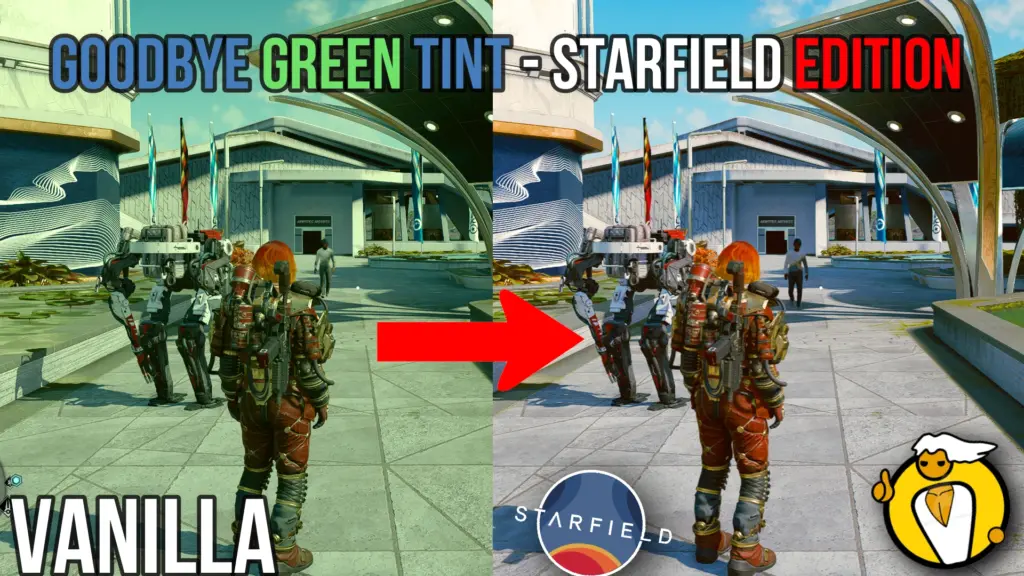
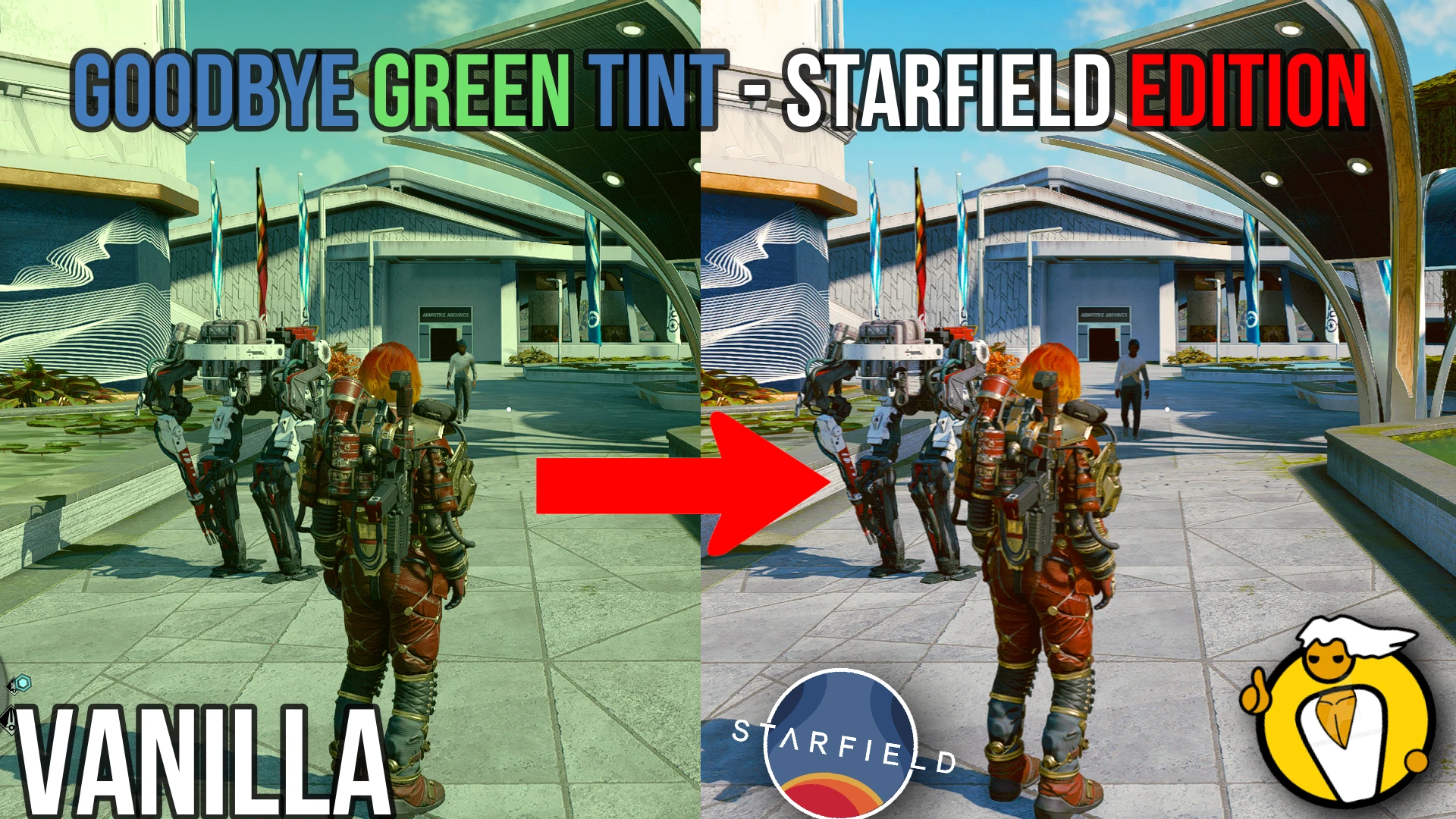
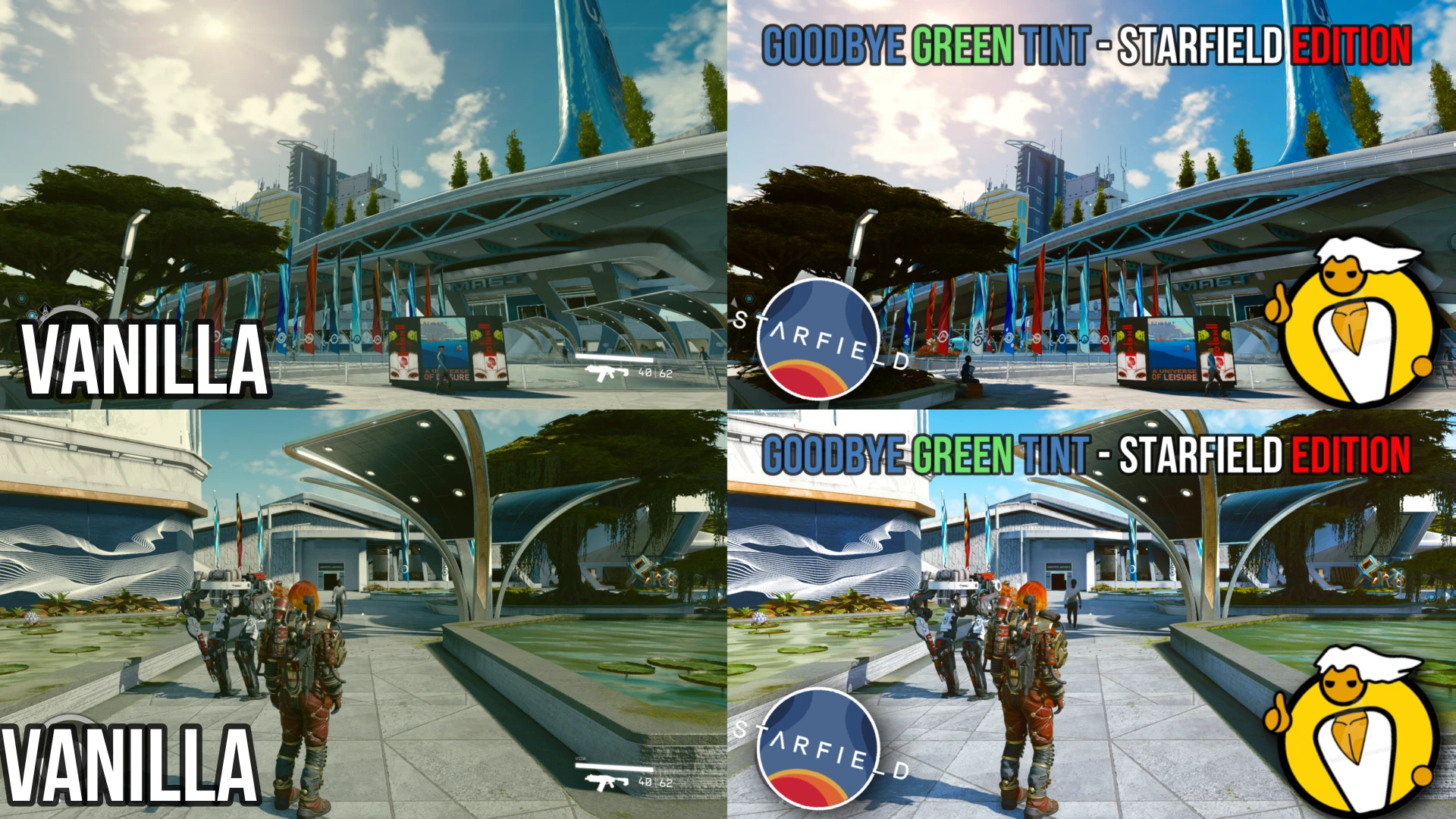
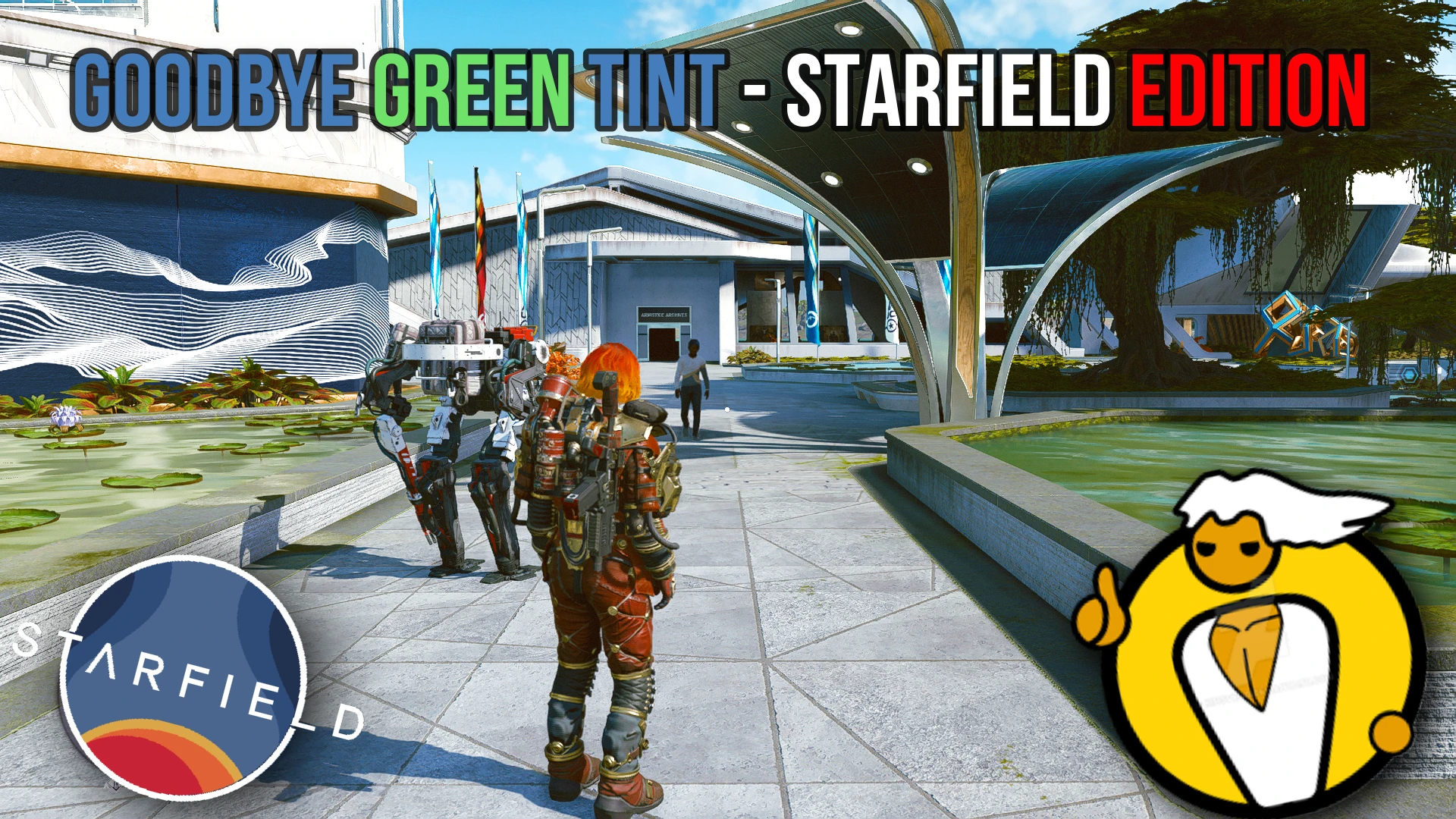
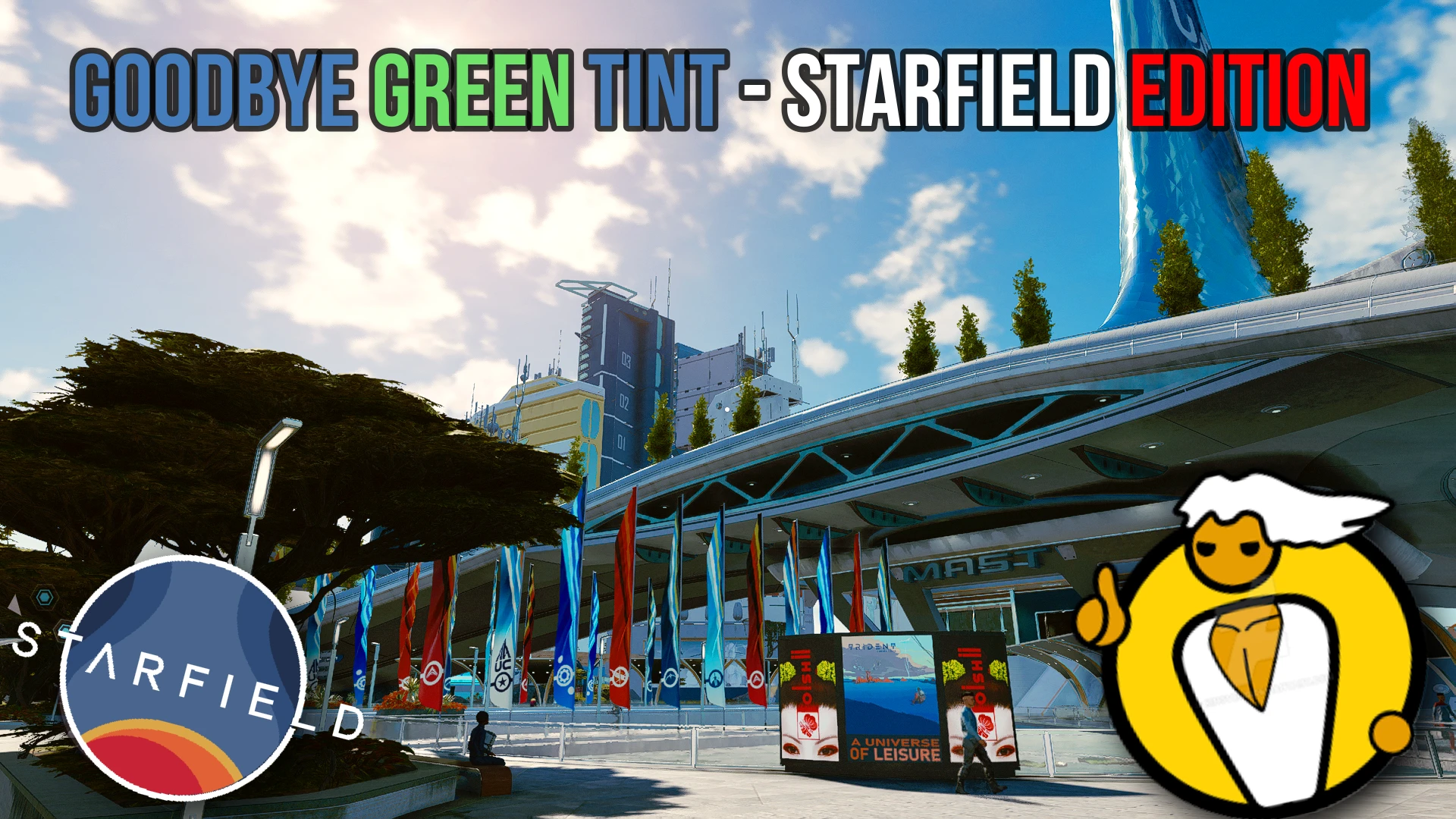
Removes the green tint, adjust the contrast, game and give more vibrant colors into the game. All this and NO PERFORMANCE LOSS!
Installation:
Drag my preset into your Starfield main folder that contains the Starfield.exe.
Run the installer. Select Starfield.exe or in case of GAMEPASS, you need to select gamelaunchhelper.exe file, not Starfield.exe.
Select DirectX12 as your renderer.
When it asks which packages you want to install, select next and dont change the default shaders.
When you start the game, use Home button to open Reshade menu(this is default)
Follow the instructions on the screen to finish the tutorial and during it select the Goodbye Green Tint – Starfield Edition.
Use Home key to close and Enjoy!
Credits:
DIRECREEP
Downloads
| Name | Format | Size |
|---|---|---|
| Goodbye-Green-Tint-Starfield-Edition-1-0.rar | RAR | 2.85 MB |
| Goodbye-Green-Tint-Starfield-Edition-1-1.rar | RAR | 16.10 KB |
To start download click the filename. To open archive files use one of these programs: WinRAR, 7-Zip, WinZip. Some mod archives may need to be extracted before the mods will work.