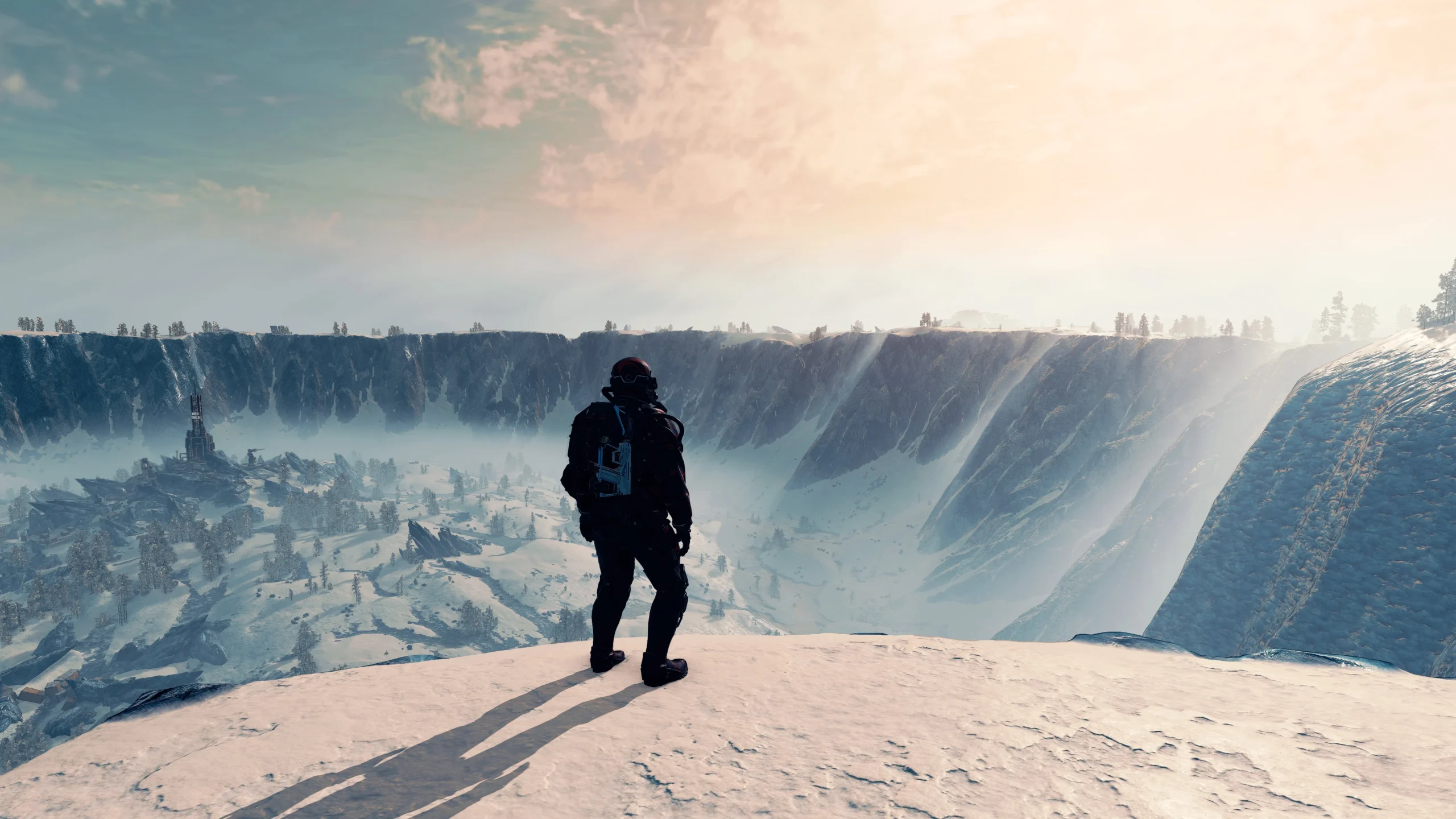
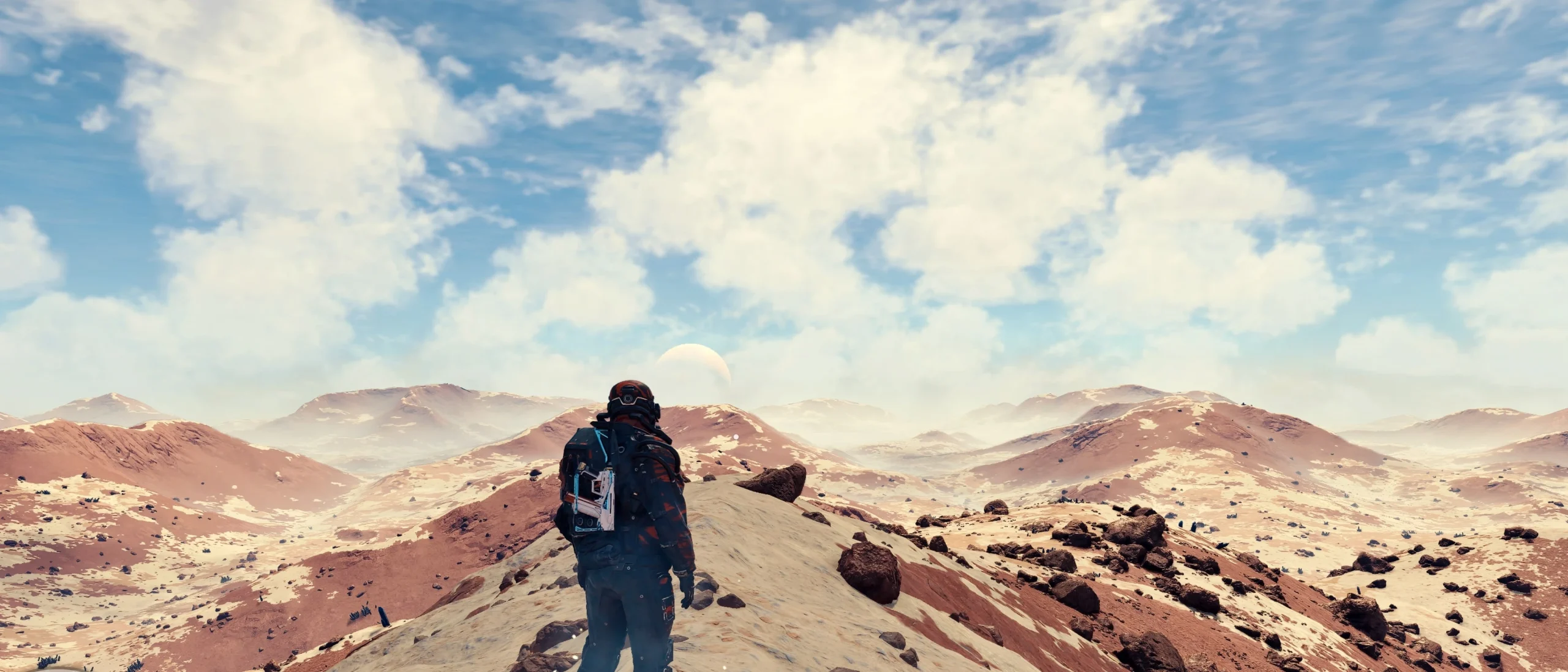
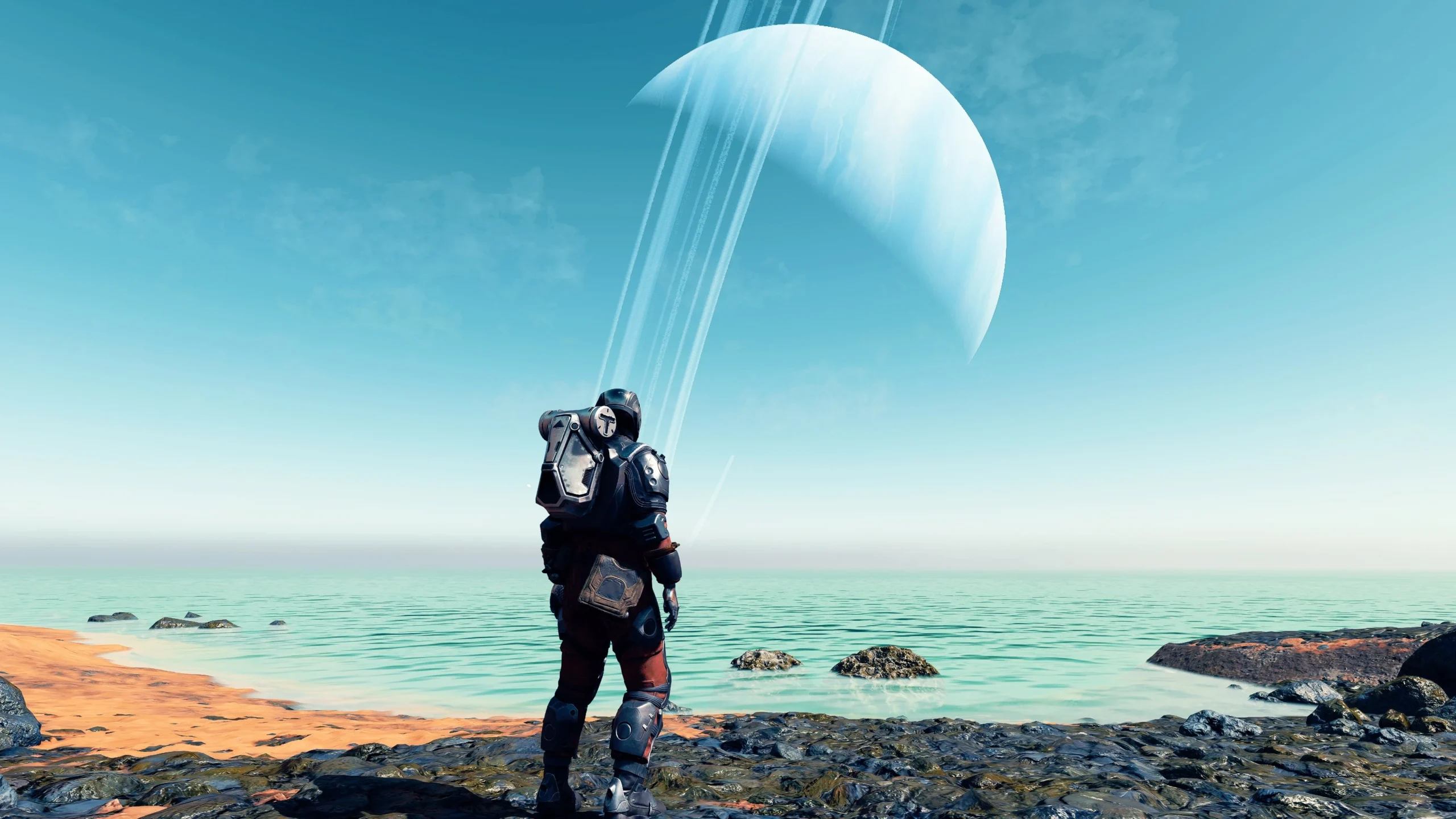
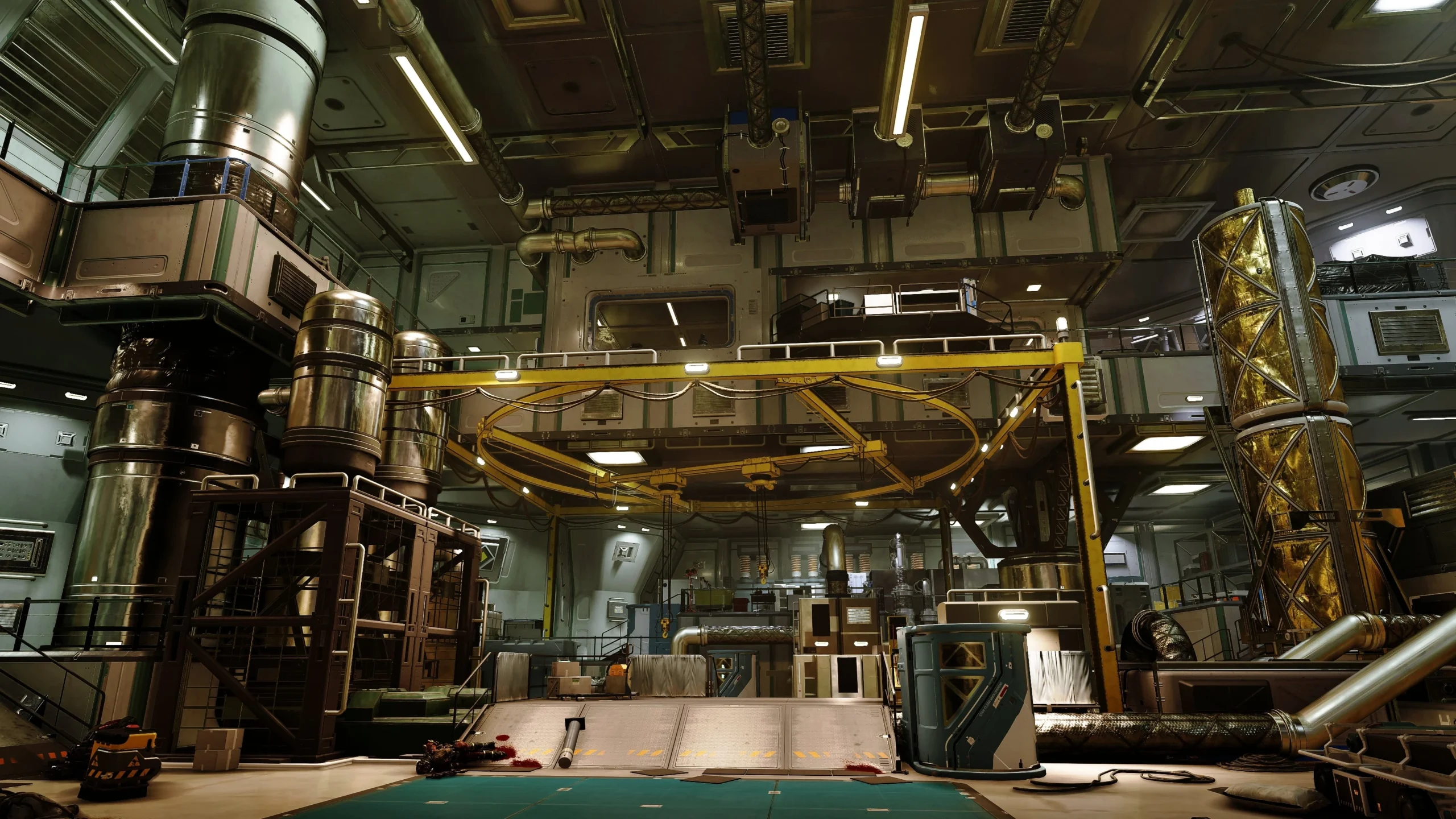
Installation:
1. Download Reshade
2. Extract to a location
3. Install it into your Starfield folder where the Starfield.exe is
4. Download Photorealistic Reshade and put the .ini into the same Starfield folder
5. activate it ingame with home(pos1) and select the downloaded .ini
Credits:
DigitalDreams
Downloads
| Name | Format | Size |
|---|---|---|
| reshade-for-Vanilla-Starfield-1-0.zip | ZIP | 7.82 KB |
| reshade-for-NAS-LUT-1-0.zip | ZIP | 5.63 KB |
| reshade-for-Neutral-LUT-1-0.zip | ZIP | 7.38 KB |
| Modlist-1-0.zip | ZIP | 63.69 KB |
To start download click the filename. To open archive files use one of these programs: WinRAR, 7-Zip, WinZip. Some mod archives may need to be extracted before the mods will work.