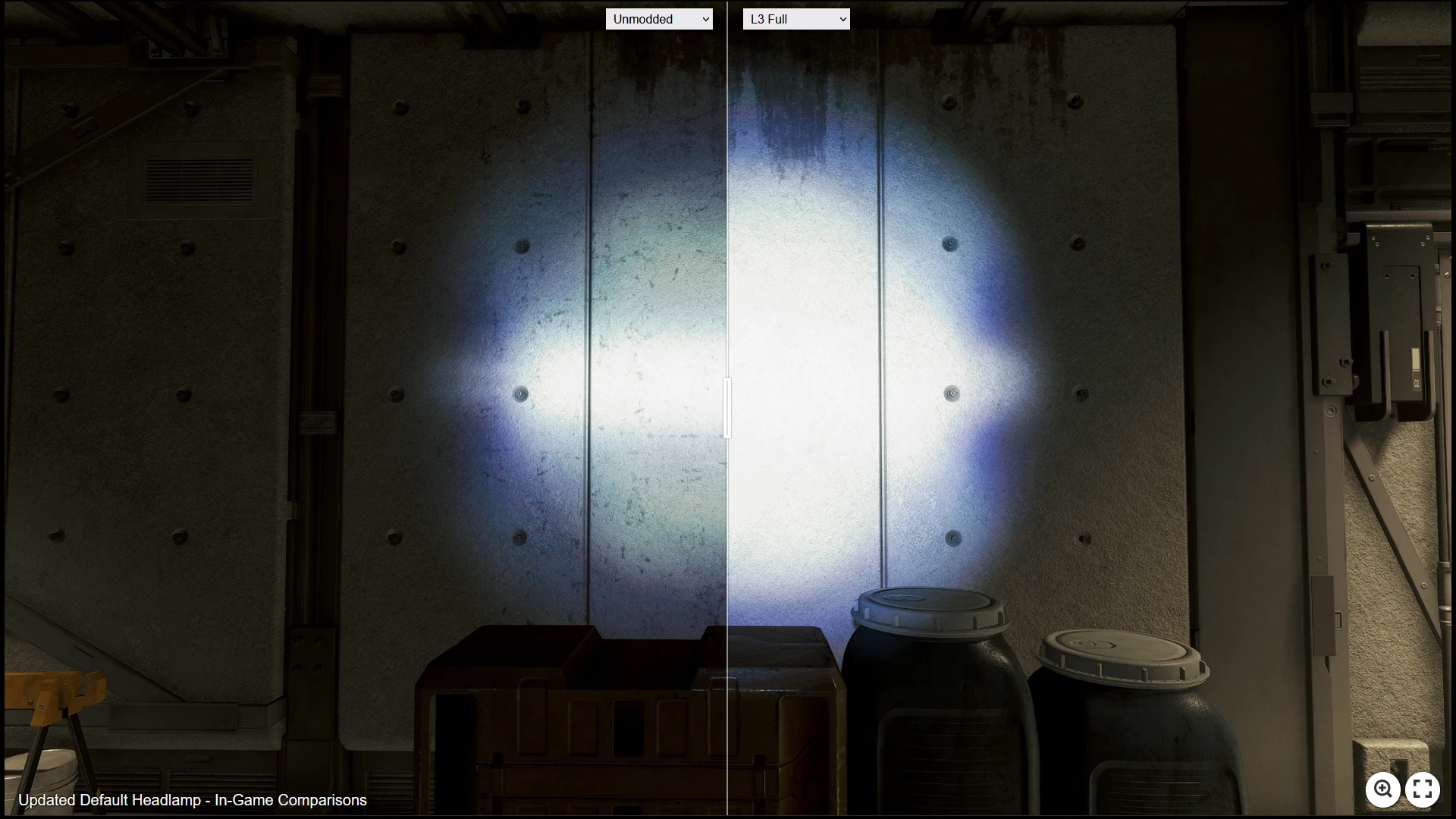
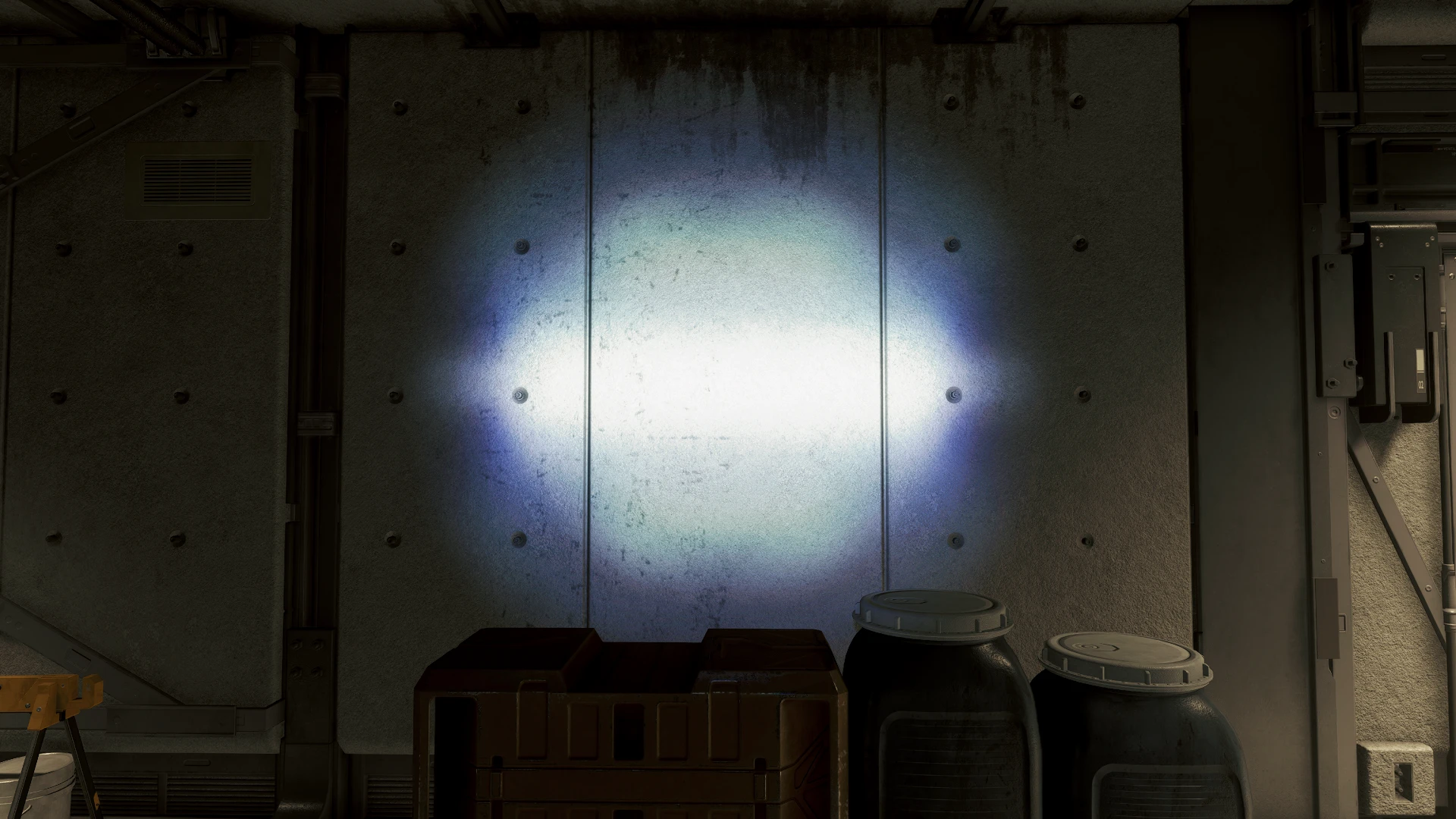
Noticed some banding present in the original texture. Upscaled and blurred to hopefully remove banding. Loss of some detail in the texture, but overall smoother.
A Base Headlamp Upscaled option.
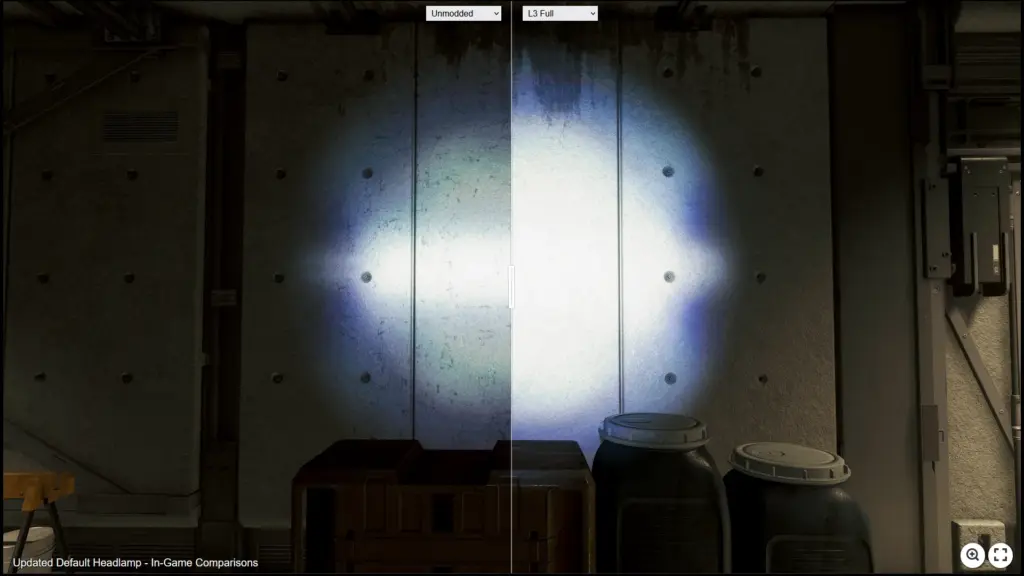
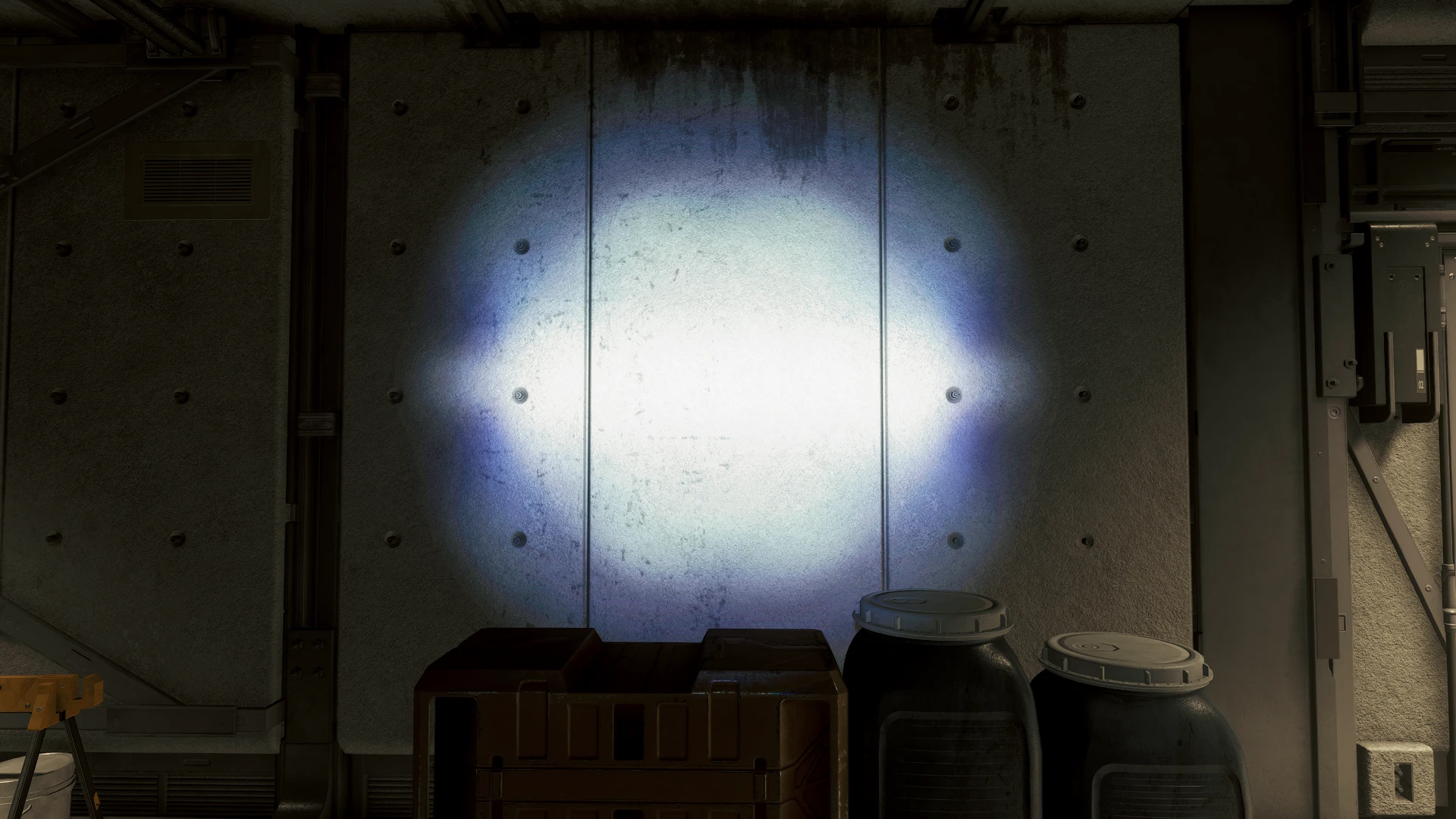
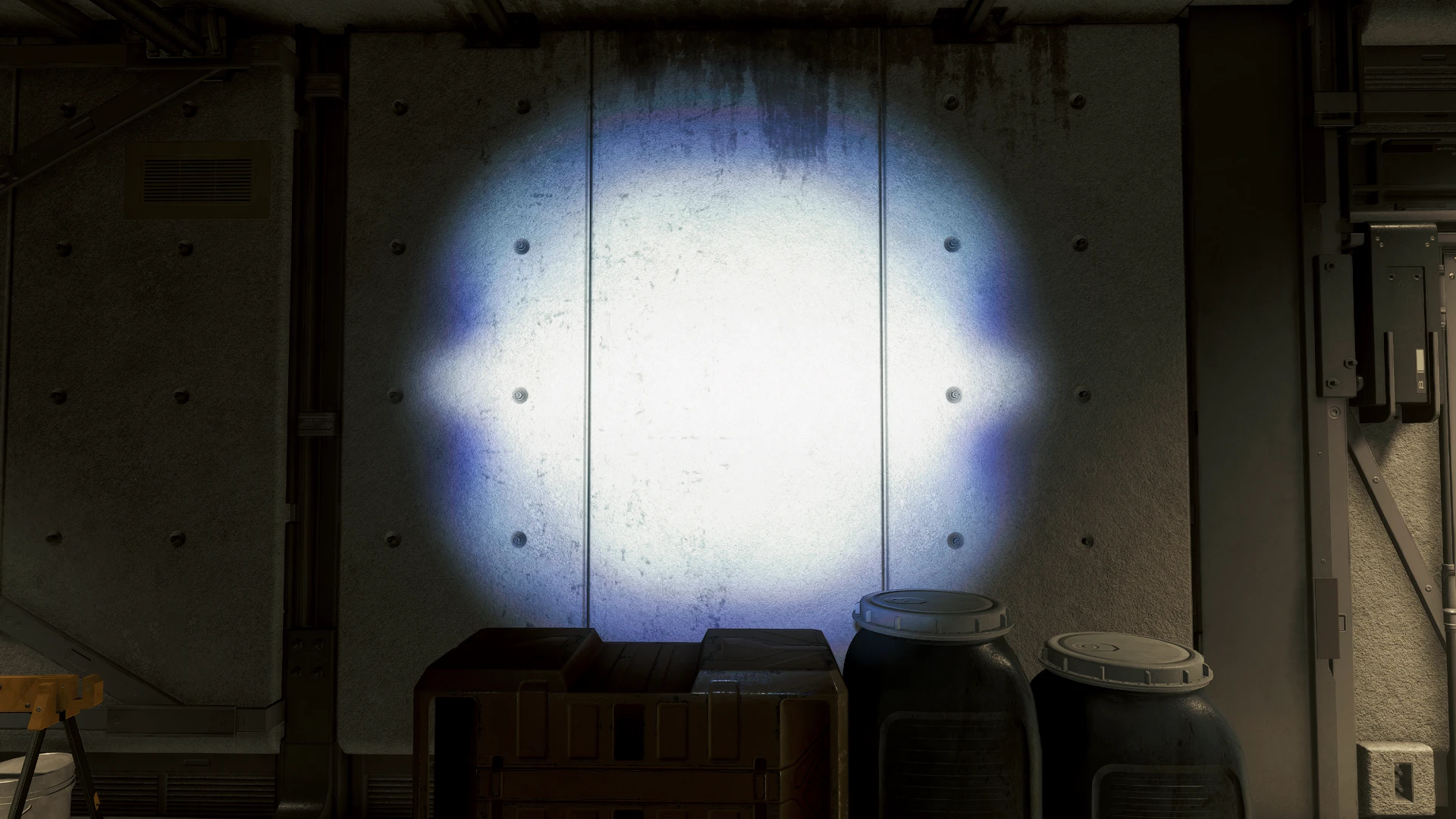
Level 1-3 offers brightness options with a large radius effect.
Level 1-3 Alt. offers brightness options with a more centralized brightness
The intent of this was to preserve the colors and edge detail in the default headlamp, while giving some brightness options.
Note: Any in-game images are taken with NaturalLUT mod. Yours might look slightly different.
Base headlamp option is Upscaled and Blurred, 1024px -> 2048px. Some brightening noticed.
Level 1-3 offers brightness options with a large radius effect.
Installation
Open “StarfieldCustom.ini”, from the location below, in a text editor
Documents\My Games\Starfield\StarfieldCustom.ini
Add the following text:
[Archive]
bInvalidateOlderFiles=1
sResourceDataDirsFinal=
To install manually, extract the mod files into your My Games\Starfield Data directory
Documents\My Games\Starfield
Vortex users, just download and install like normal
Credits:
carpeggios
Downloads
| Name | Format | Size |
|---|---|---|
| L2A-Central.rar | RAR | 814.57 KB |
| L2-Full.rar | RAR | 860.99 KB |
| L1A-Central.rar | RAR | 834.28 KB |
| L1-Full.rar | RAR | 816.85 KB |
| Upscaled-Only.rar | RAR | 825.87 KB |
| L3A-Central.rar | RAR | 683.78 KB |
| L3-Full.rar | RAR | 898.17 KB |
To start download click the filename. To open archive files use one of these programs: WinRAR, 7-Zip, WinZip. Some mod archives may need to be extracted before the mods will work.