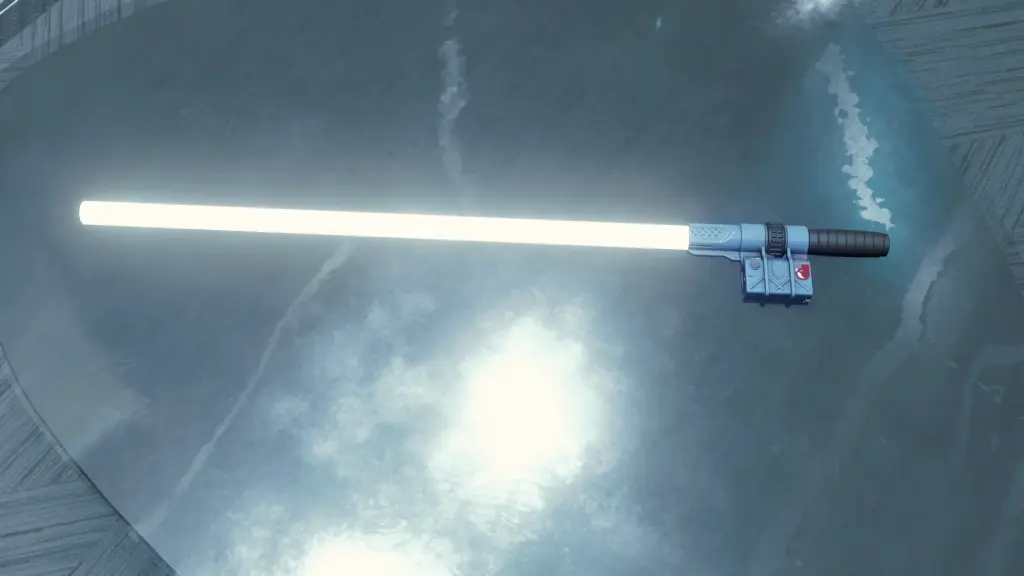
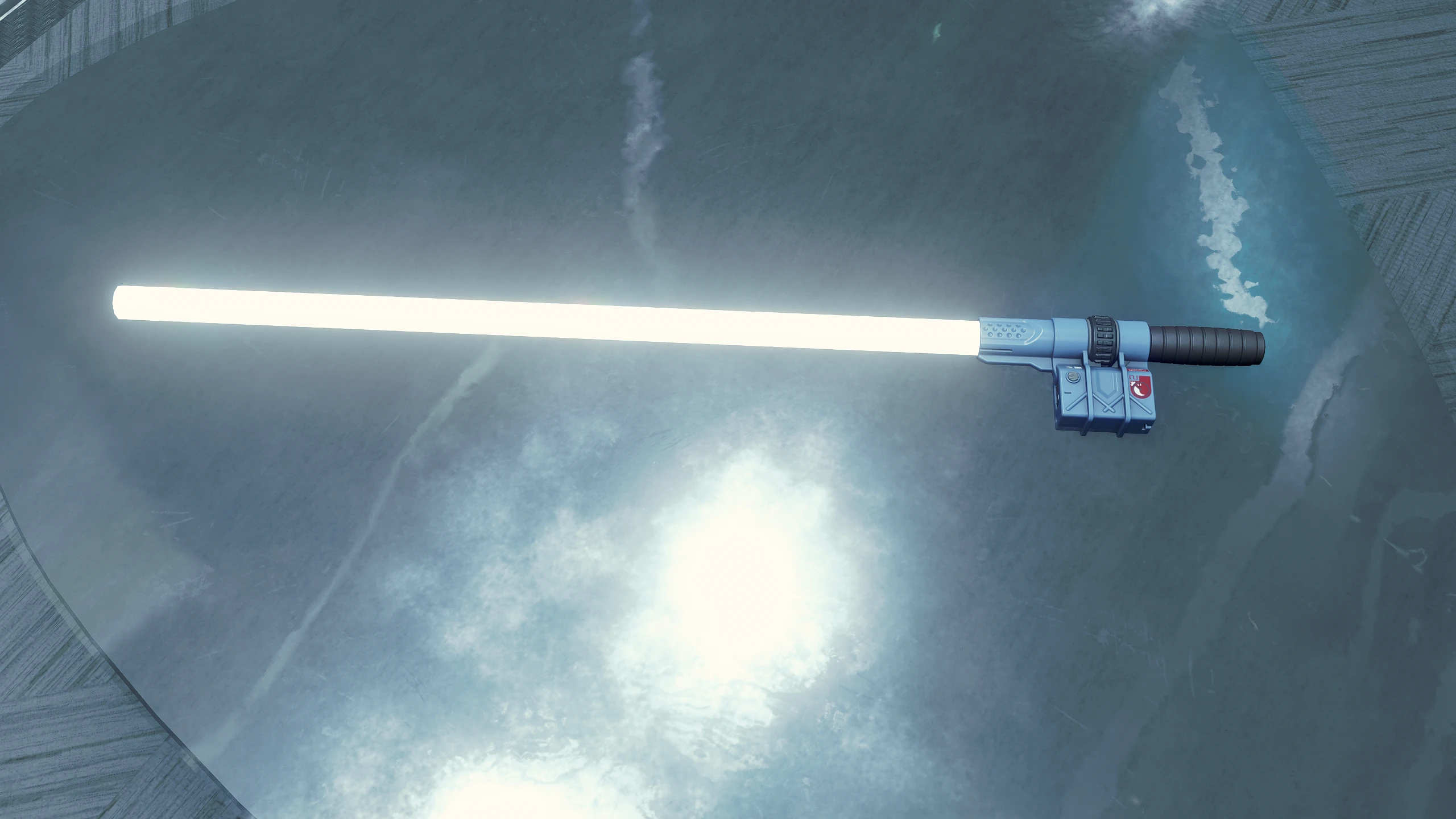
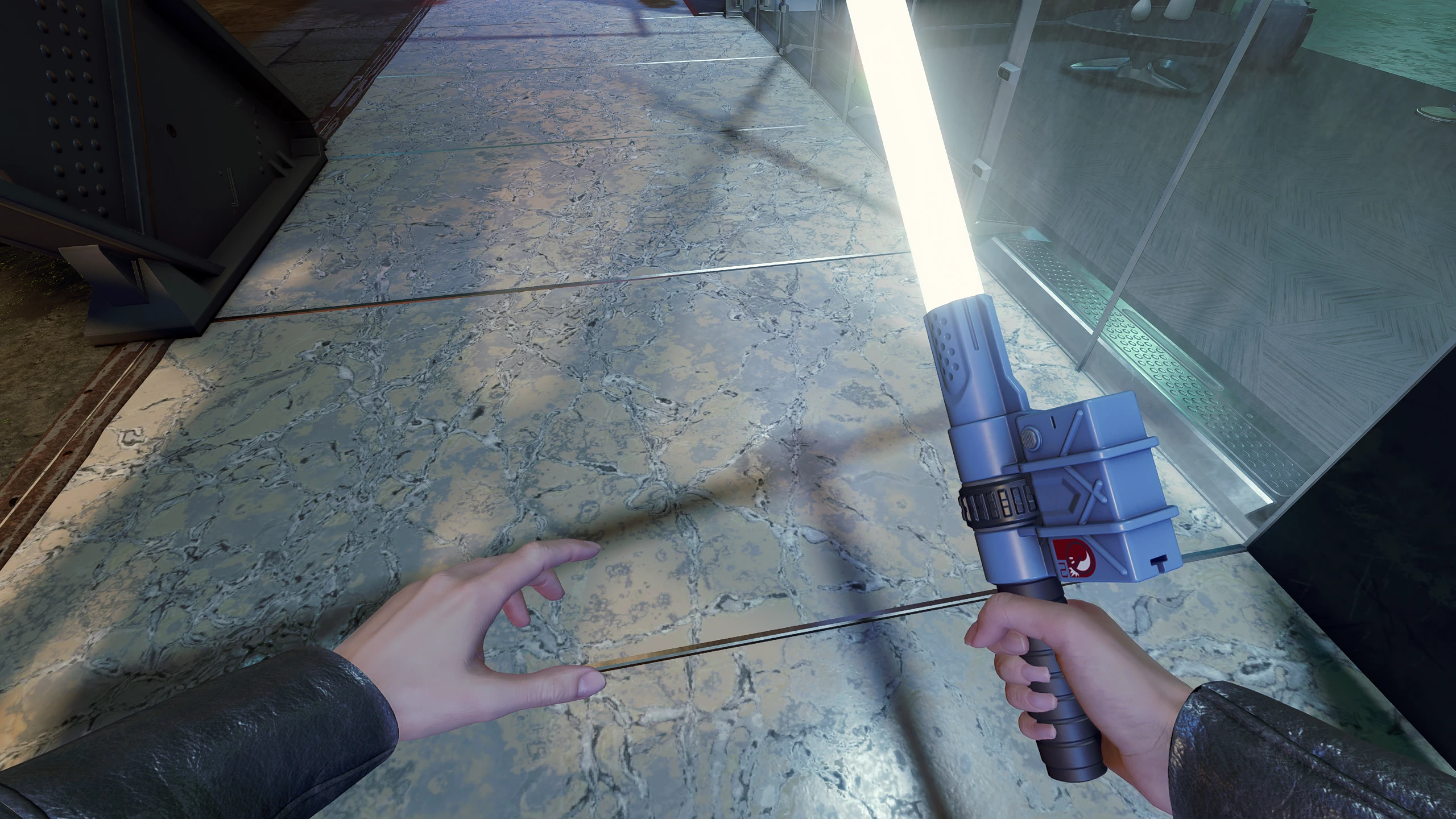
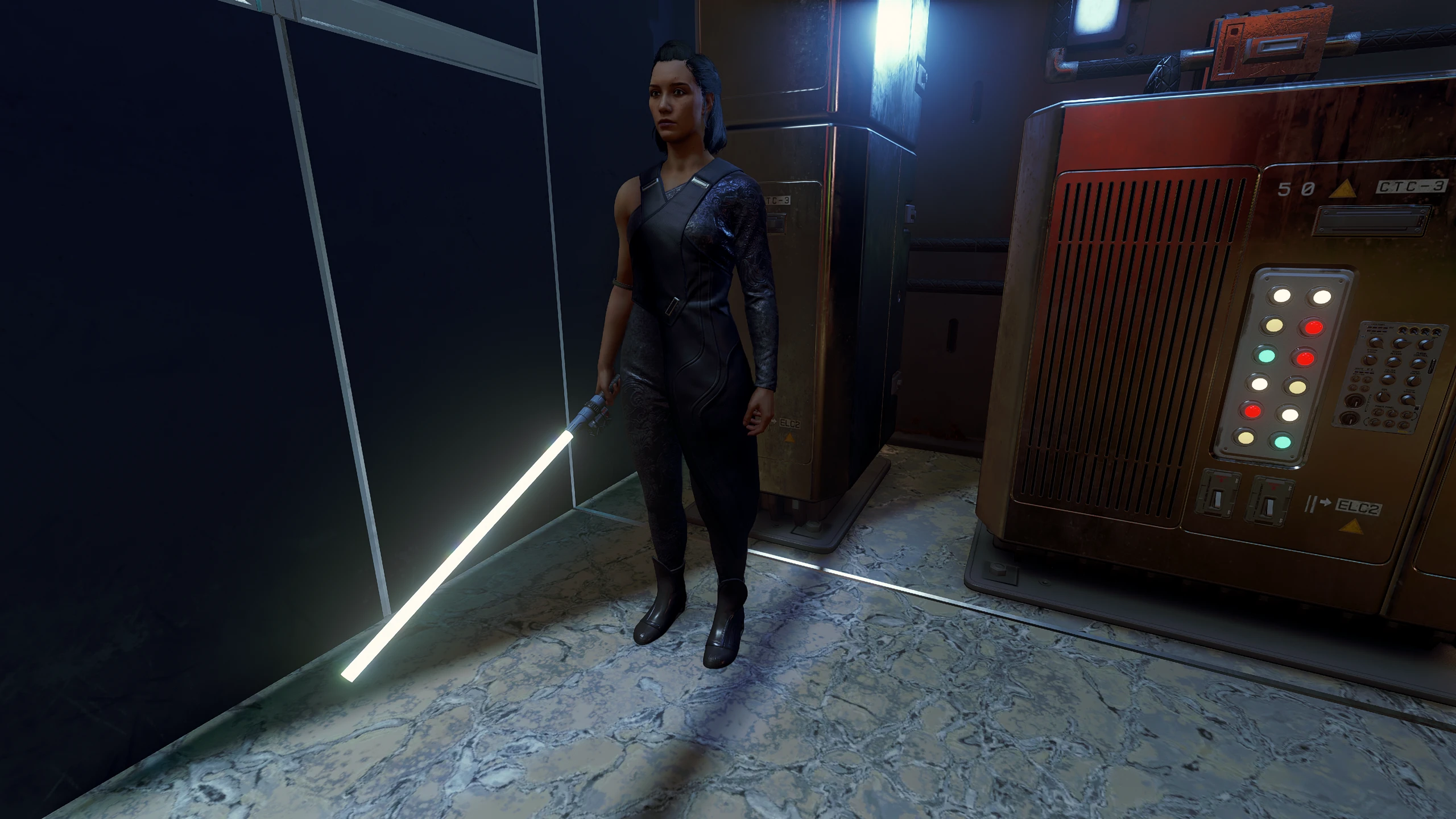
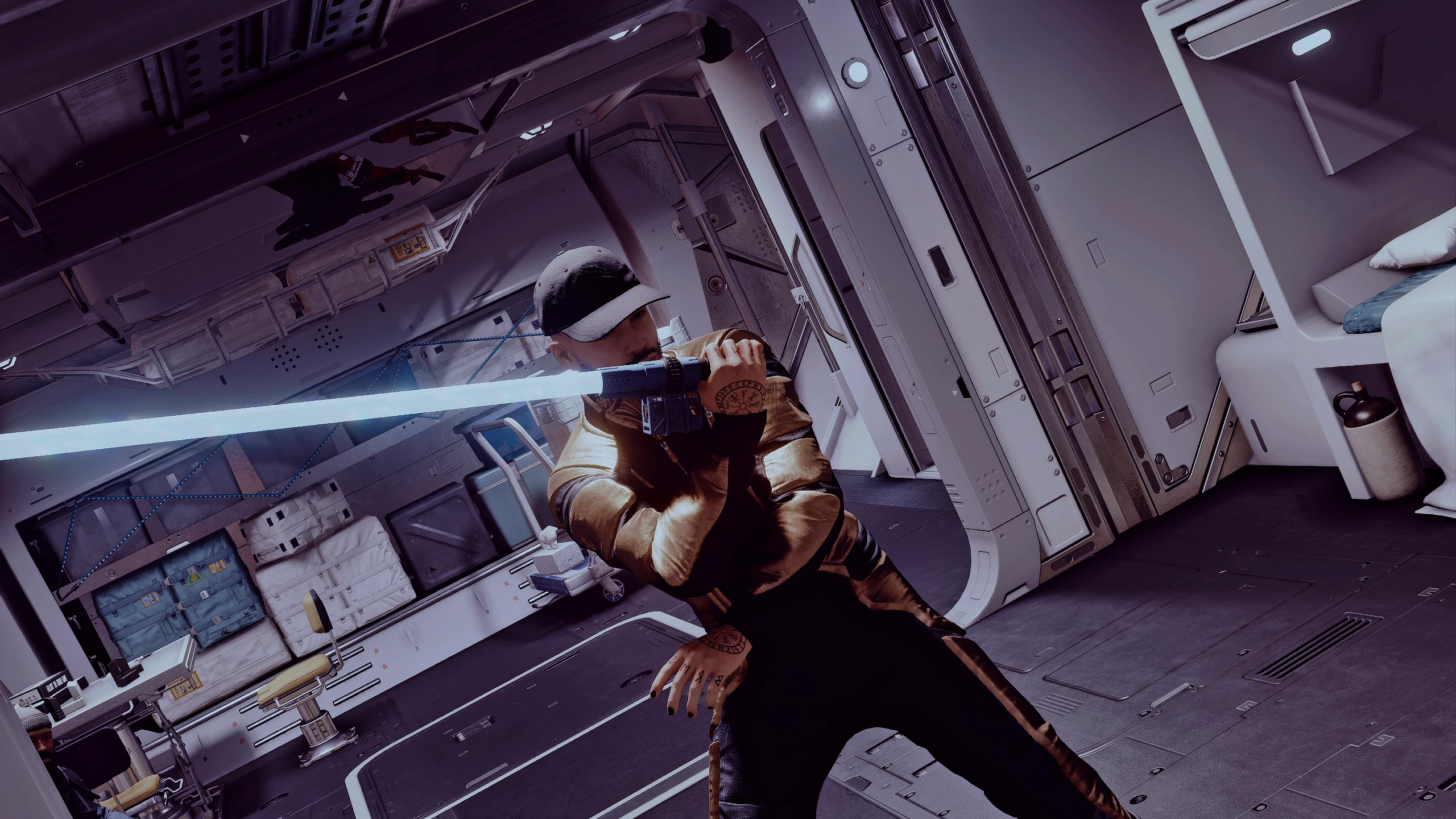
Replaces the UC Naval Cutlass with a lightsaber inspired design. This is a simple first step in a larger project that will add new lightsaber designs based on the existing weapon manufactures. Does not currently include sound replacement as that would affect many other melee weapons.
INSTALLATION:
Install with a mod manager or manual guide below.
Extract the file into “Documents\My Games\Starfield” folder.
Within the same folder copy and paste the following line into your “StarfieldCustom.ini” (if it doesn’t exist, create one)
[Archive]
bInvalidateOlderFiles=1
sResourceDataDirsFinal=
Credits:
Somberx
Downloads
| Name | Format | Size |
|---|---|---|
| ImmersiveLightsabers_v0.1.7z | 7Z | 4.98 KB |
| ImmersiveLightsabers_v0.2.7z | 7Z | 261.30 KB |
To start download click the filename. To open archive files use one of these programs: WinRAR, 7-Zip, WinZip. Some mod archives may need to be extracted before the mods will work.