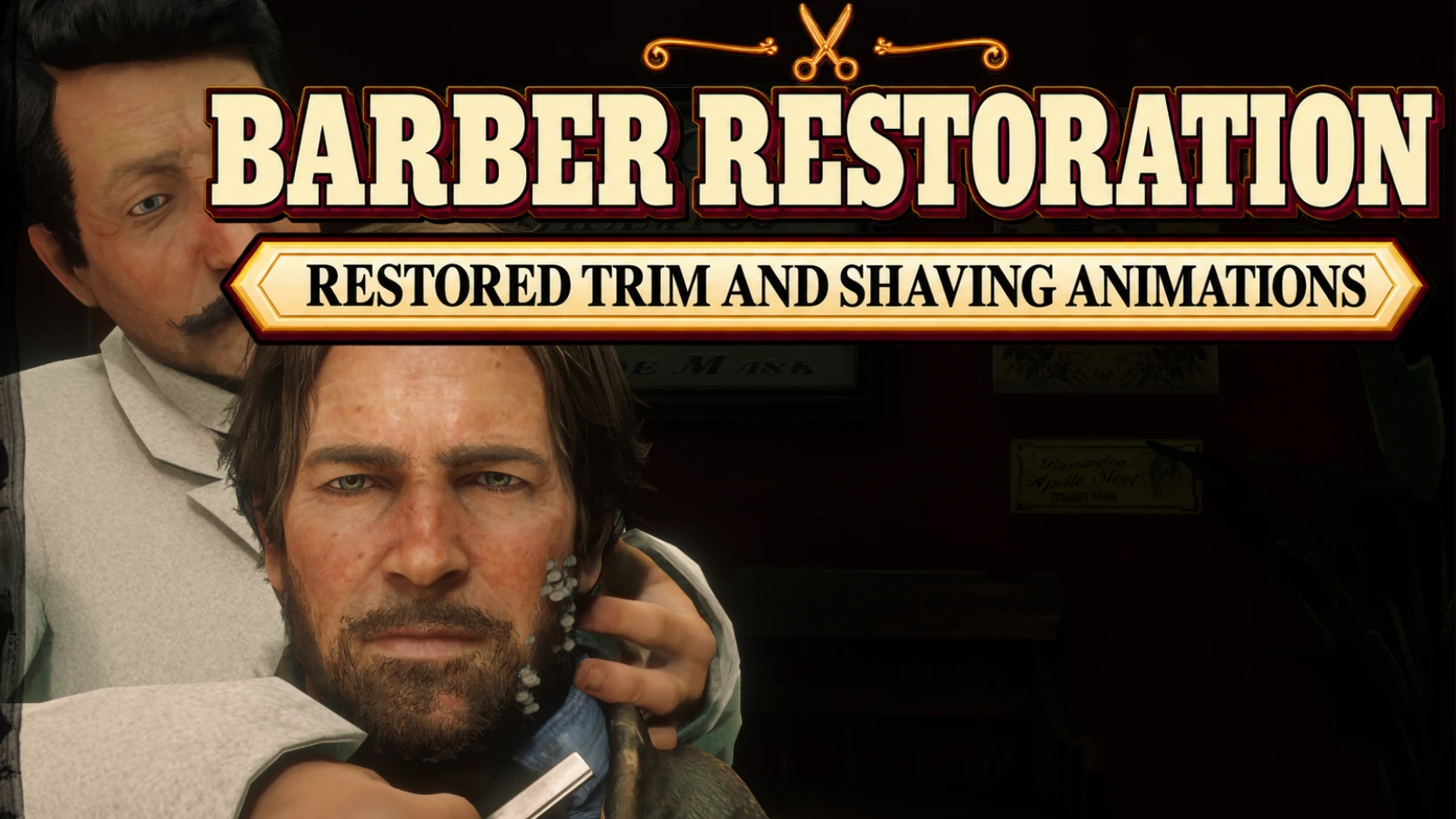
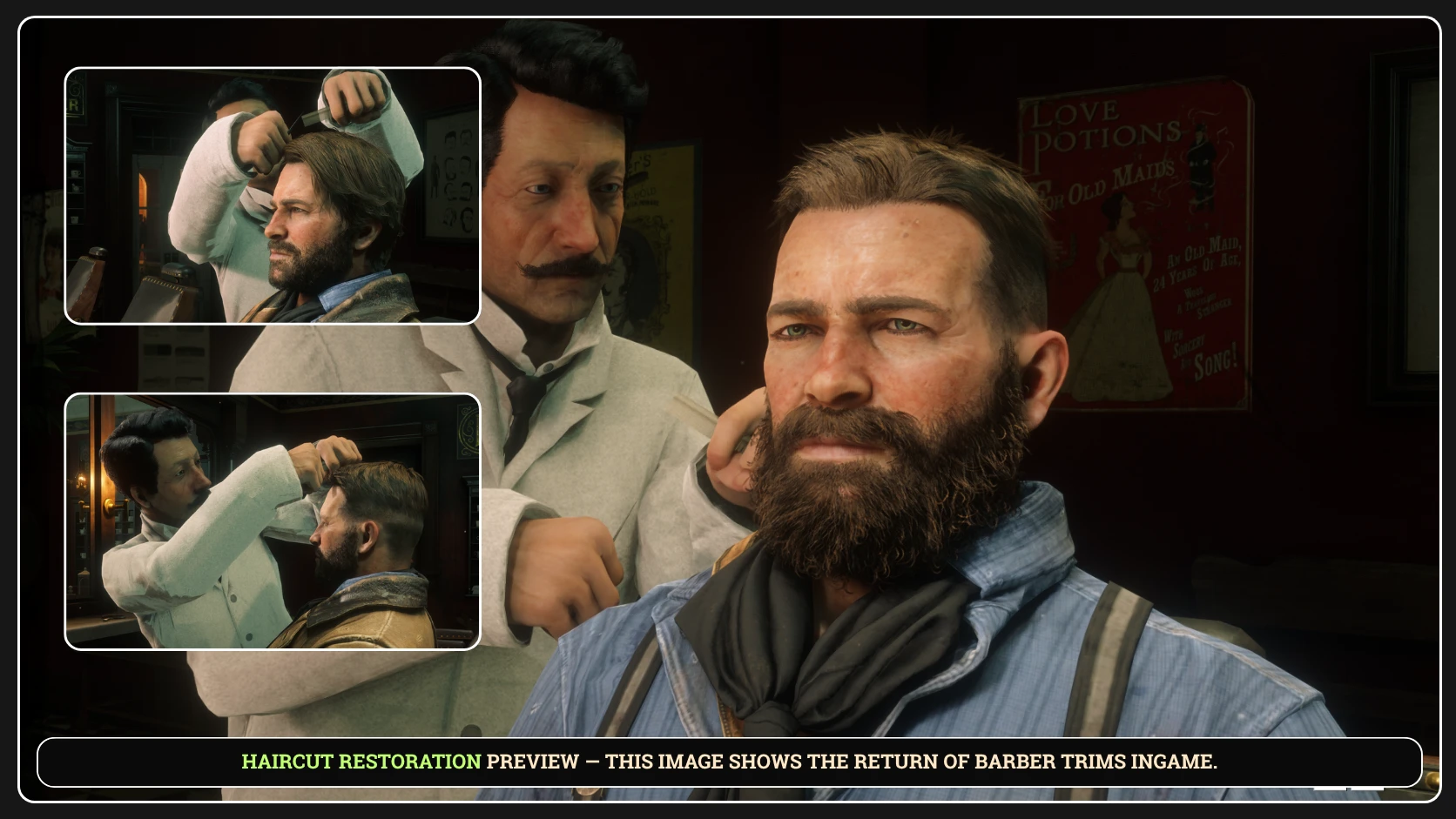
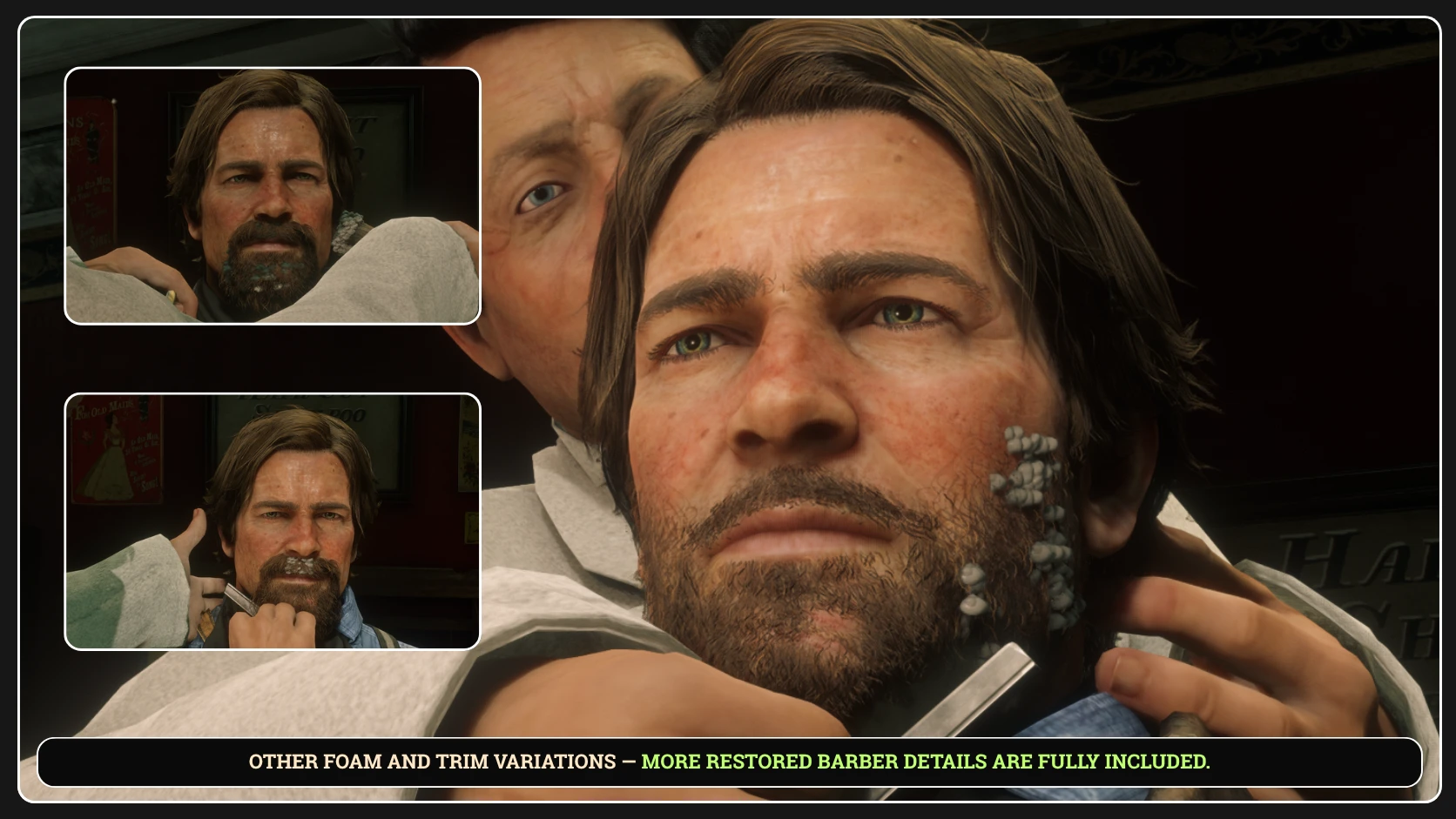
Adds custom-coded haircut, trimming and shaving interactions to the Saint Denis and Valentine barber shops, featuring progressive authored facial foam, physical barber tools, synchronized sounds, upright and reclined services, and dedicated hat-removal and hat-return sequences.
Barber Restoration brings detailed haircut, trimming and shaving interactions to the barber shops of Red Dead Redemption 2 Story Mode.
The mod uses native animations, characters, tools and objects from the game as building blocks, but the complete implementation is not a ready-made sequence taken from the game.
The service logic, animation selection, sequencing, synchronization, transitions, tool placement, shaving-foam presentation, hat interactions and overall visual direction were programmed, designed, tested and calibrated specifically for Barber Restoration.
Haircuts and beard services are accompanied by coordinated movements involving Arthur, the barber, the chair and the appropriate physical tools.
Depending on the selected service, players may experience upright or reclined shaving, progressively presented foam, visible barber tools, synchronized sounds and dedicated hat-removal and hat-return sequences.
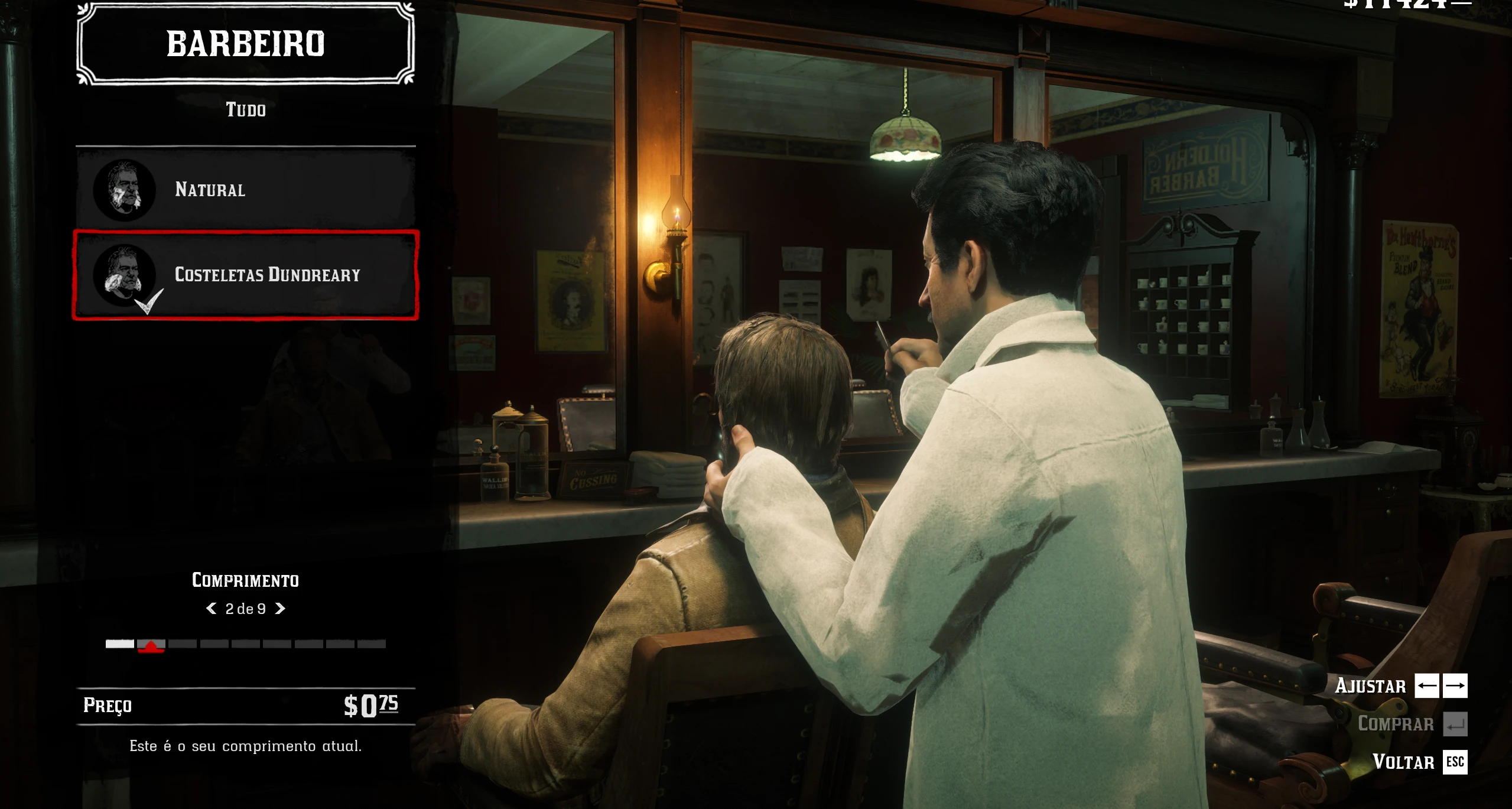
The original barber interface, purchases, prices, appearance changes, characters and shop structure remain controlled by the game.
THIS MOD IS STILL IN ACTIVE DEVELOPMENT
The main features are functional, but certain transitions, compatibility situations and unusual barber-session conditions may still require refinement.
The Blackwater barber shop is not supported by the current release. Support for Blackwater is planned for a future update.
MAIN FEATURES
Custom-coded haircut and trimming sequences built from native game animations.
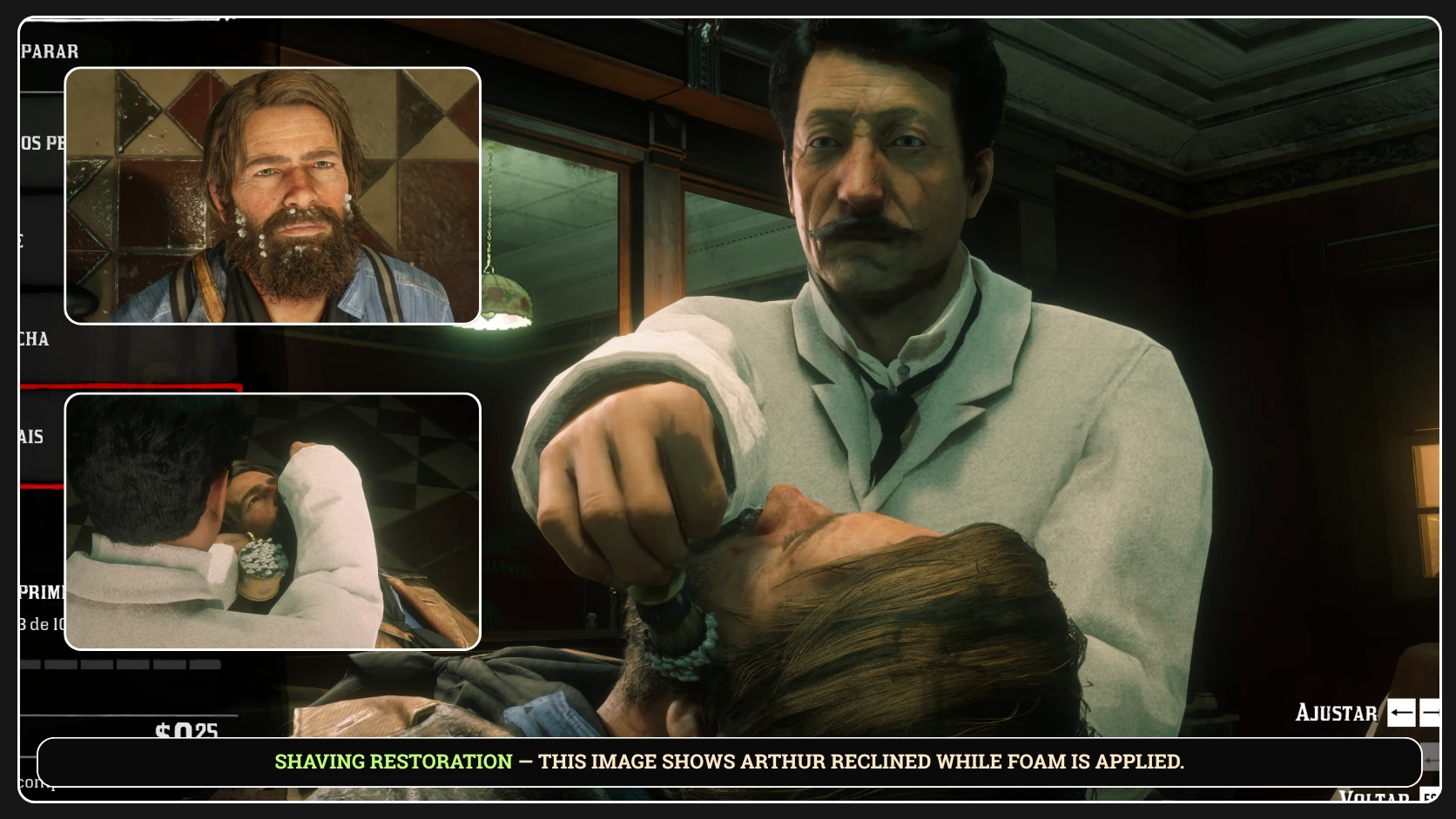
Upright and reclined shaving services.
Different animation presentations according to the selected hair or beard service.
Physical scissors, comb, shaving brush, cup and straight razor.
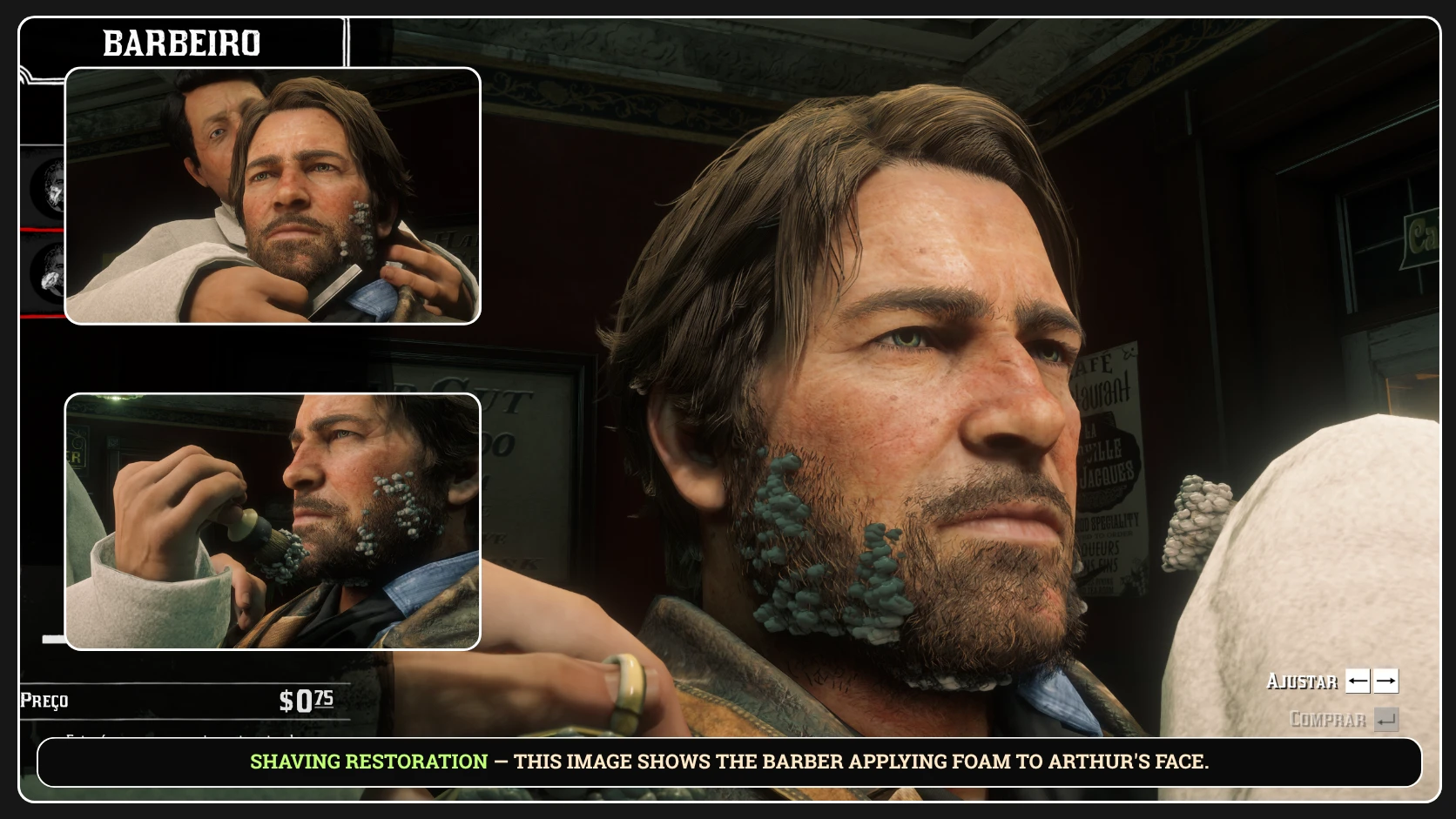
Progressive, manually authored shaving-foam presentation on Arthur’s face.
Custom foam positioning on the barber’s brush and inside the shaving cup.
Synchronized trimming, brushing and shaving sounds.
Coordinated interaction between Arthur, the barber and the barber chair.
Dedicated barber movement between the waiting position and service animations.
Hat removal when Arthur enters a supported session wearing a hat.
Hat return before Arthur leaves the barber shop.
Support for both Audio and Silent editions.
PROGRESSIVE SHAVING FOAM
Barber Restoration includes a custom visual foam system designed and positioned specifically for the mod.
This is not a real-time fluid simulation. Instead, individually configured foam elements are placed, timed and revealed during the barber’s movements to create the visual impression of foam being progressively applied to Arthur’s face.
Different shaving services can use different positions, timings and visibility periods. The foam presentation was manually adjusted to follow the barber’s actions as closely as possible.
Additional foam is also positioned on the shaving brush and inside the barber’s cup.
HAT INTERACTION
When Arthur begins a supported barber session while wearing a hat, Barber Restoration preserves that hat for the custom interaction.
The barber can remove the hat before the selected services begin and return it when Arthur is ready to leave.
If Arthur enters without a hat, the removal and return sequences are not used.
DEVELOPMENT NOTICE
The hat system has received extensive refinement, but unusual visual or transition issues may still occur during session entry, removal, return or the final shop exit.
Please report any reproducible problem and specify whether Arthur entered the barber shop wearing a hat.
SUPPORTED LOCATIONS
The current release supports:
Saint Denis.
Valentine.
BLACKWATER IS NOT YET SUPPORTED
The Blackwater barber shop does not currently use the Barber Restoration service animations. Support is planned for a future update.
CONTROLLER AND KEYBOARD SUPPORT
KNOWN LIMITATIONS
Because Barber Restoration remains in active development, players may encounter:
Brief visual inconsistencies involving Arthur’s hat.
Small discontinuities between certain connected shaving movements.
Compatibility problems with mods that directly modify barber shops, animations, Arthur’s appearance, hats, clothing, NPC tasks, cameras, menus or audio.
No Barber Restoration service animations in Blackwater in the current release.
Catalogue Improvements is currently known to be compatible with Barber Restoration.
When reporting a reproducible problem, please include the barber location, selected service, input device, installed edition, whether Arthur entered with a hat and what happened immediately before the issue.
INSTALLATION
Install ScriptHookRDR2 V2.
Install the official Ultimate ASI Loader by ThirteenAG as the 64-bit
dinput8.dll
Choose either the Audio edition or the Silent edition.
Place
BarberRestoration.asi
beside
RDR2.exe
Launch Red Dead Redemption 2 Story Mode.
Visit the barber in Saint Denis or Valentine.
INSTALL ONLY ONE EDITION
Do not install the Audio and Silent editions together.
Do not combine files from different Barber Restoration releases.
The public editions do not require a separate configuration file.
REQUIREMENTS
A legitimate PC copy of Red Dead Redemption 2.
Story Mode.
ScriptHookRDR2 V2.
The official 64-bit Ultimate ASI Loader by ThirteenAG.
Lenny’s Mod Loader is not required.
STORY MODE ONLY
Do not use Barber Restoration in Red Dead Online or RedM.
Credits:
T1Lord
Downloads
| Name | Format | Size | Description |
|---|---|---|---|
| BarberRestoration-PUBLIC-1.1.zip | ZIP | 3.26 MB | This release is larger due to new custom audio for the restored barber experience. Enjoy refined trimming and shaving, dynamic foam, physical tools, hat interactions, and improved sound. |
| BarberRestoration-PUBLIC-SILENT-1.1.zip | ZIP | 97.49 KB | This lightweight edition excludes the additional custom audio files for a smaller download while preserving restored trimming, shaving, dynamic foam, physical tools, and hat interactions. |
To start download click the filename. To open archive files use one of these programs: WinRAR, 7-Zip, WinZip. Some mod archives may need to be extracted before the mods will work.