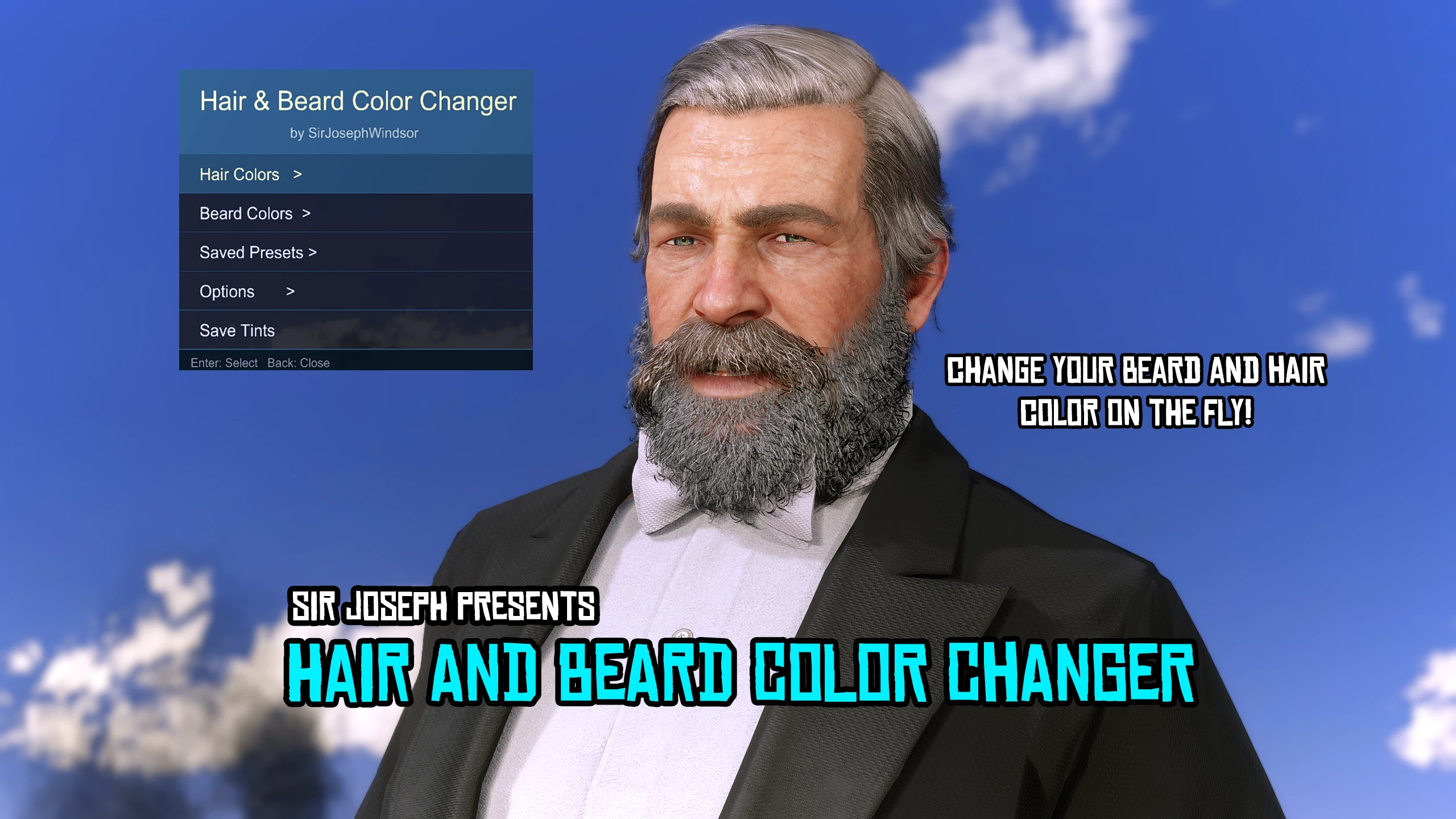
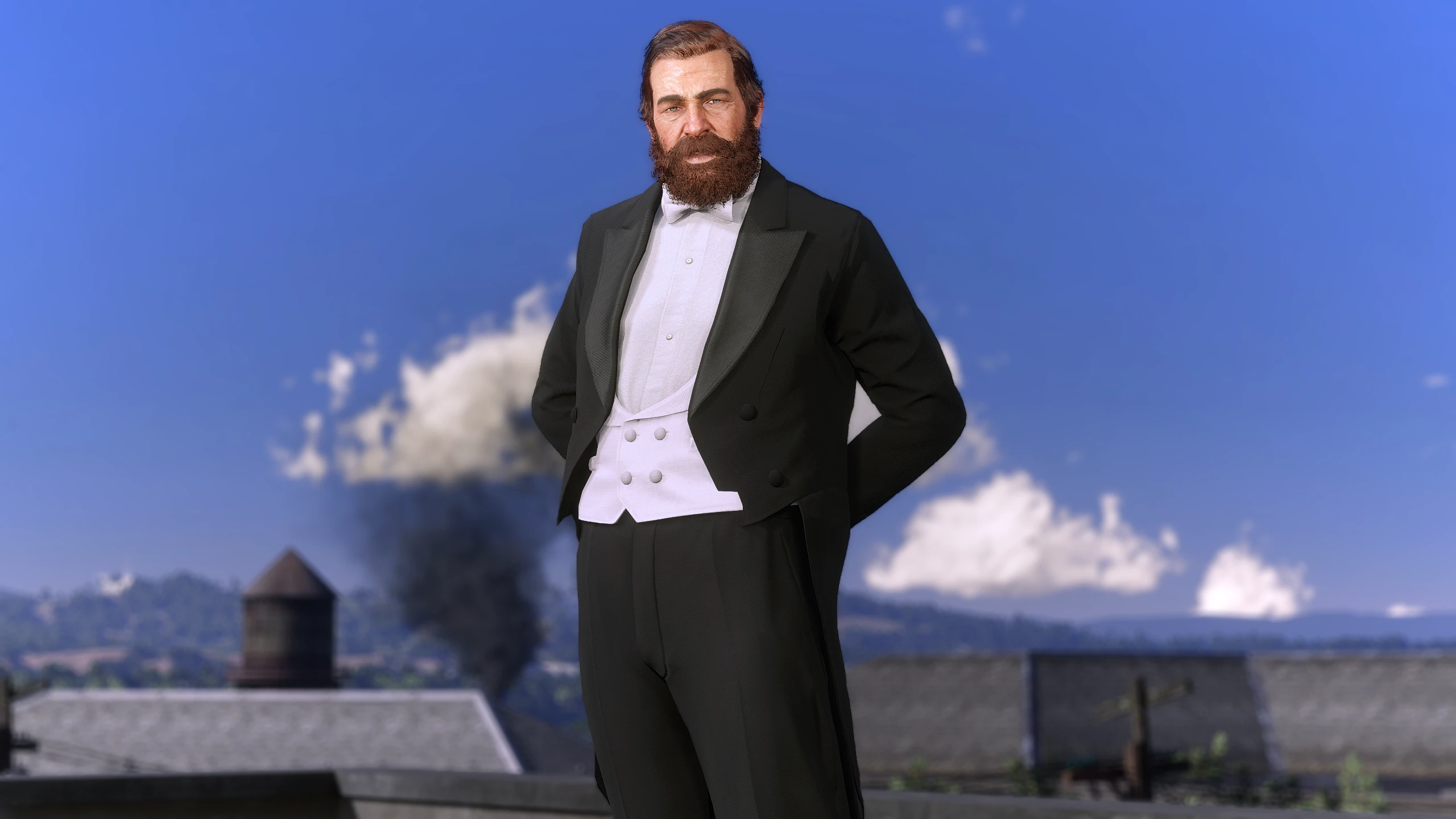
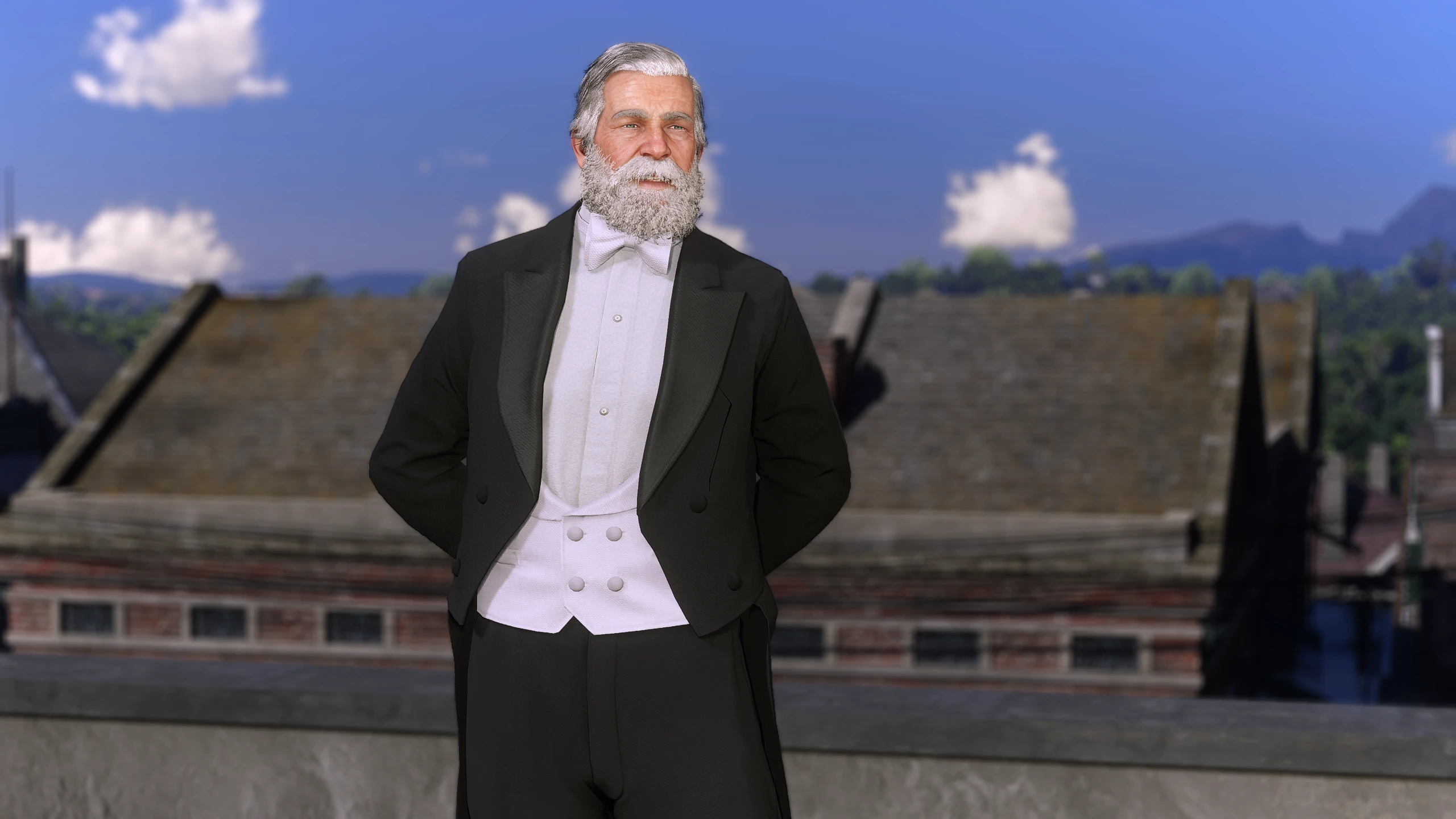
Change your hair color quickly and apply it to your Arthur or John
Installation instructions
1. Extract the .rar file
2. Place the ini and .asi file in your RDR2 directory like any other .asi mod
3. The default button to open the trainer is F3 but you can change it in the .ini file
4. Have fun!
Main features
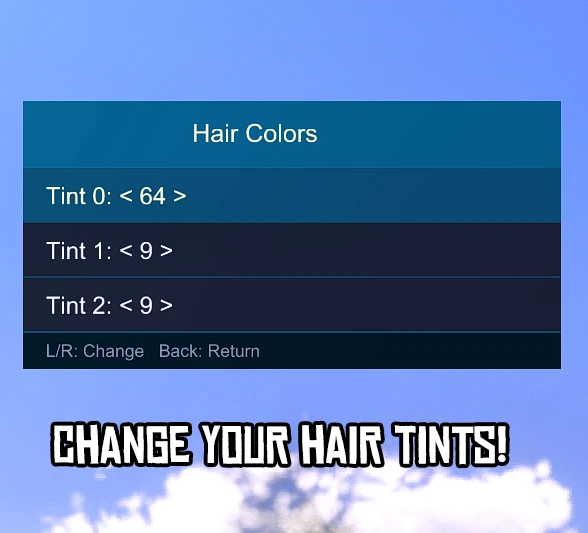
Change your Hair, Mustache and Beard color at any giving moment
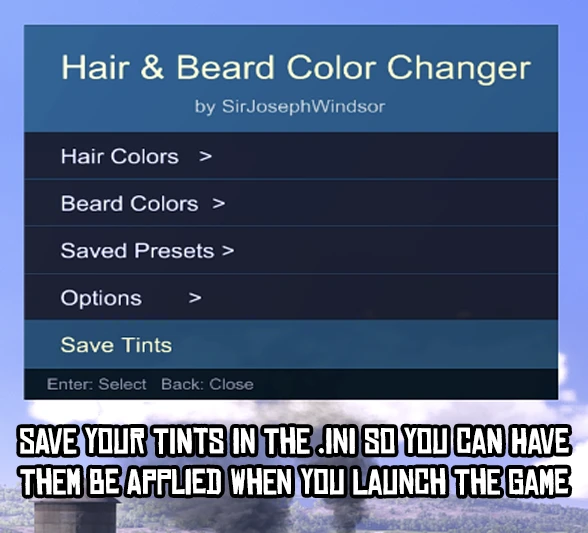
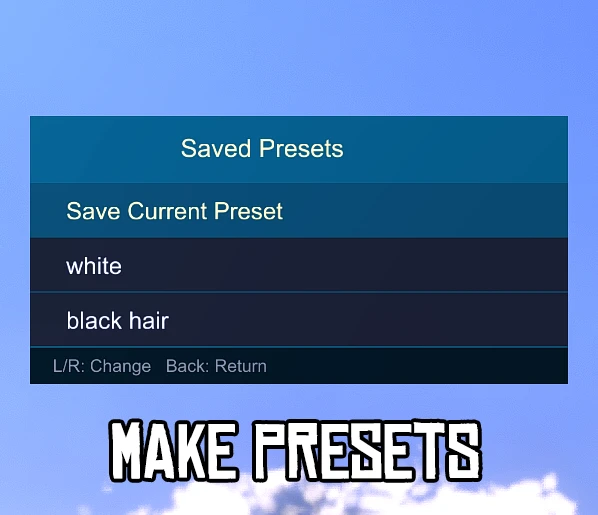
Save presets of tints you like and apply them to Arthur or John
Save the tints you want to the .ini file so they load everytime you load the game (you can change them by saving new tints via the button)
Change the position and color of the trainer ingame
Want to go back to vanilla? Toggle it ON or OFF if you want Arthur or John’s default tints
Change the open button via the .ini included if you dont like F3
Requirements
Ultimate ASI Loader
ScripthookRDR2 V2 (Not the Mod Loader only the scripthook)
Credits:
SirJosephWindsor
Downloads
| Name | Format | Size |
|---|---|---|
| Sir-Josephs-Beard-And-Hair-Color-Changer-1-0.rar | RAR | 81.12 KB |
To start download click the filename. To open archive files use one of these programs: WinRAR, 7-Zip, WinZip. Some mod archives may need to be extracted before the mods will work.